Automotive
Emergency kit
- Single shot
- Product only
- Portrait 4:5
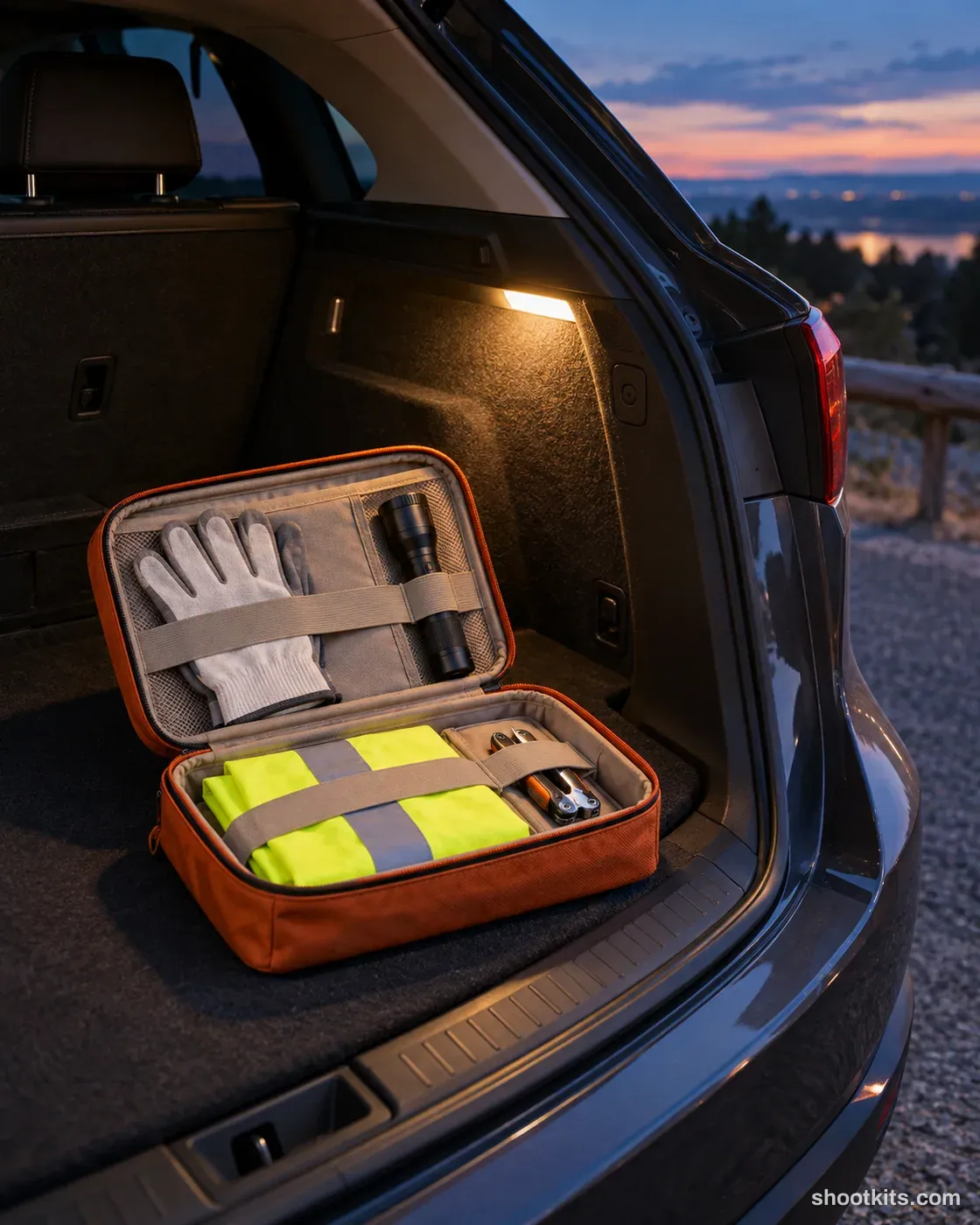
An open kit in a parked car boot makes an automotive bundle easier to inspect as a complete purchase. This dusk scene suits roadside accessory pouches, travel equipment sets and organised car-storage kits. Upload your actual kit photo in ChatGPT and list only the items genuinely included, with their placement kept tidy and visible. A warm boot light can support the mood, but check the contents carefully so the image does not advertise extra equipment that customers will not receive.
Describe your car product in a few words. Still attach your product photo in ChatGPT.
Create one photorealistic professional product campaign photograph. Use supplied product reference image(s), if available. Use the supplied product as the source of truth for its design, color, shape, material, texture, finish, packaging and any existing visible branding. Sector: Automotive. Hero product: the product shown in the attached product reference(s). Setting: Roadside lay-by at dusk. Arrangement: Open the kit on the boot floor. Camera: High three-quarter. Framing: Kit and boot. Lighting: Blue-hour ambient with warm boot light. Product priority: Show the product's real shape, finish and how it attaches or is used; keep it the clear hero over the vehicle. Any vehicle shown is a generic, unbadged modern car with no readable logos or number plates. Brand/art direction: Refined, realistic commercial photography. Supporting styling: Minimal props that complement the supplied product. Composition/aspect ratio: Portrait 4:5. Keep the hero product clearly readable with realistic scale, contact shadows and reflections. Never obscure or replace the hero product. Render the stated location and lighting coherently. Preserve natural material texture. No people, invented branding, extra products, captions, watermarks or excessive retouching.
Attach your product photo before you paste the prompt. A plain background and even light give the most accurate result.
How to use this prompt
- Photograph your car product. Use a plain background and soft, even light. A phone photo is fine if it's sharp.
- Open ChatGPT and attach the photo. Use a model that can create images.
- Paste the prompt and send it. You get one finished photo.
- Fix details in the same chat. If something changed, reply with what to keep, for example: “Keep the label exactly as in my photo.”
More tips in How it works.
Questions about this kit
- What does the Emergency kit prompt create?
- It creates one finished portrait photo (4:5) of your own car product, in this scene: roadside lay-by at dusk. The 4:5 shape fits Instagram feed posts and most product pages.
- Are there people in the photos?
- No. This is a product-only photo, which suits listings, catalogues and ads where the car product should be the only subject.
- Will ChatGPT keep my car product exactly as it is?
- The prompt tells ChatGPT to treat your photo as the source of truth and to protect the shape, finish, nozzles, mounting points and label. If a detail still changes, reply in the same chat: “Keep the shape exactly as in my photo.”