
Bag product photography prompts
Prompts for handbags, totes and crossbody bags carried through real city moments: café chairs, hotel arrivals, weekend markets and commutes. Each prompt keeps your bag’s hardware, stitching and handles accurate while ChatGPT builds the scene around it.
- 1 campaign kit
- 14 single shots
Campaign kits
1 kits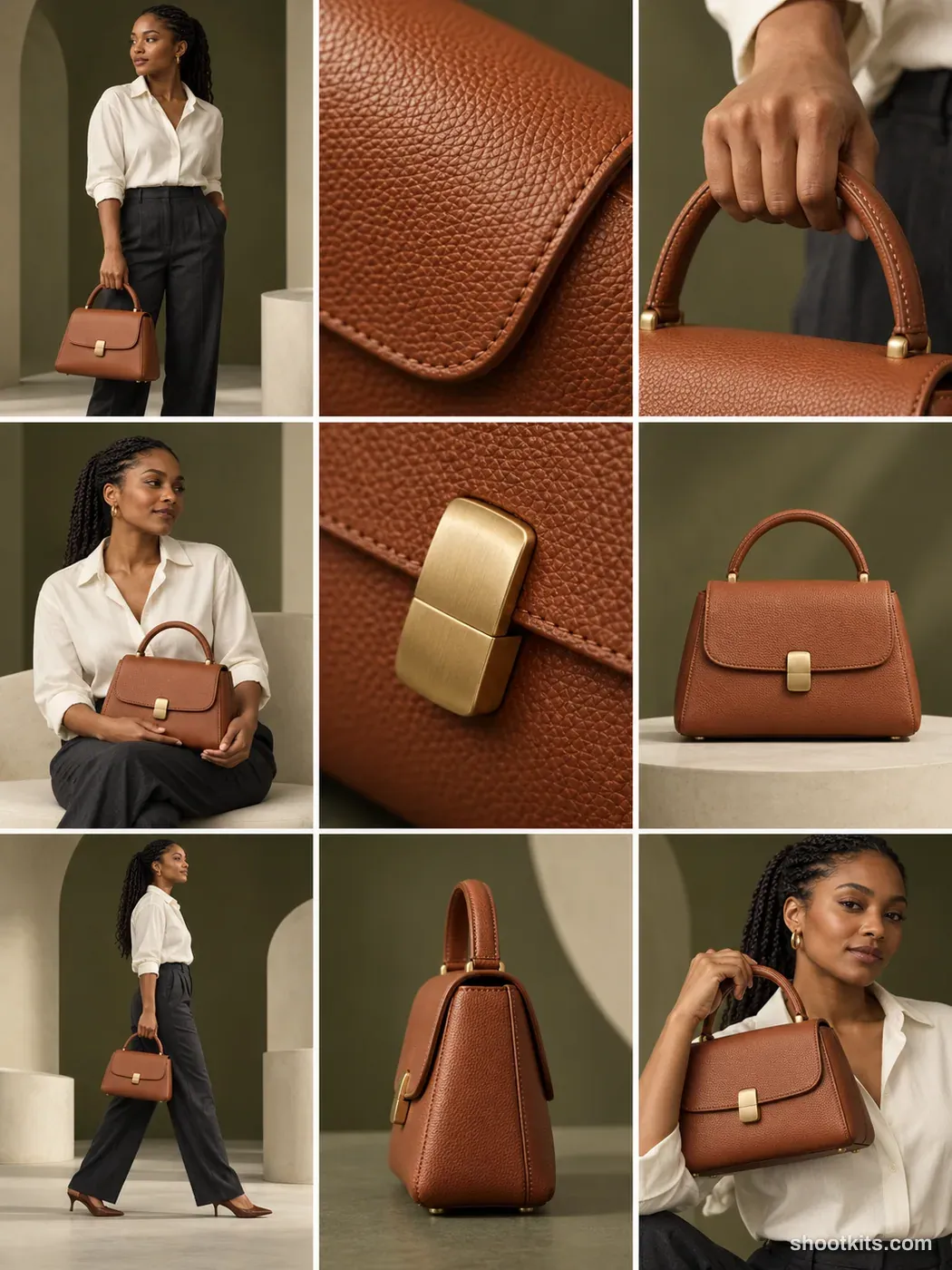
Single shots
14 prompts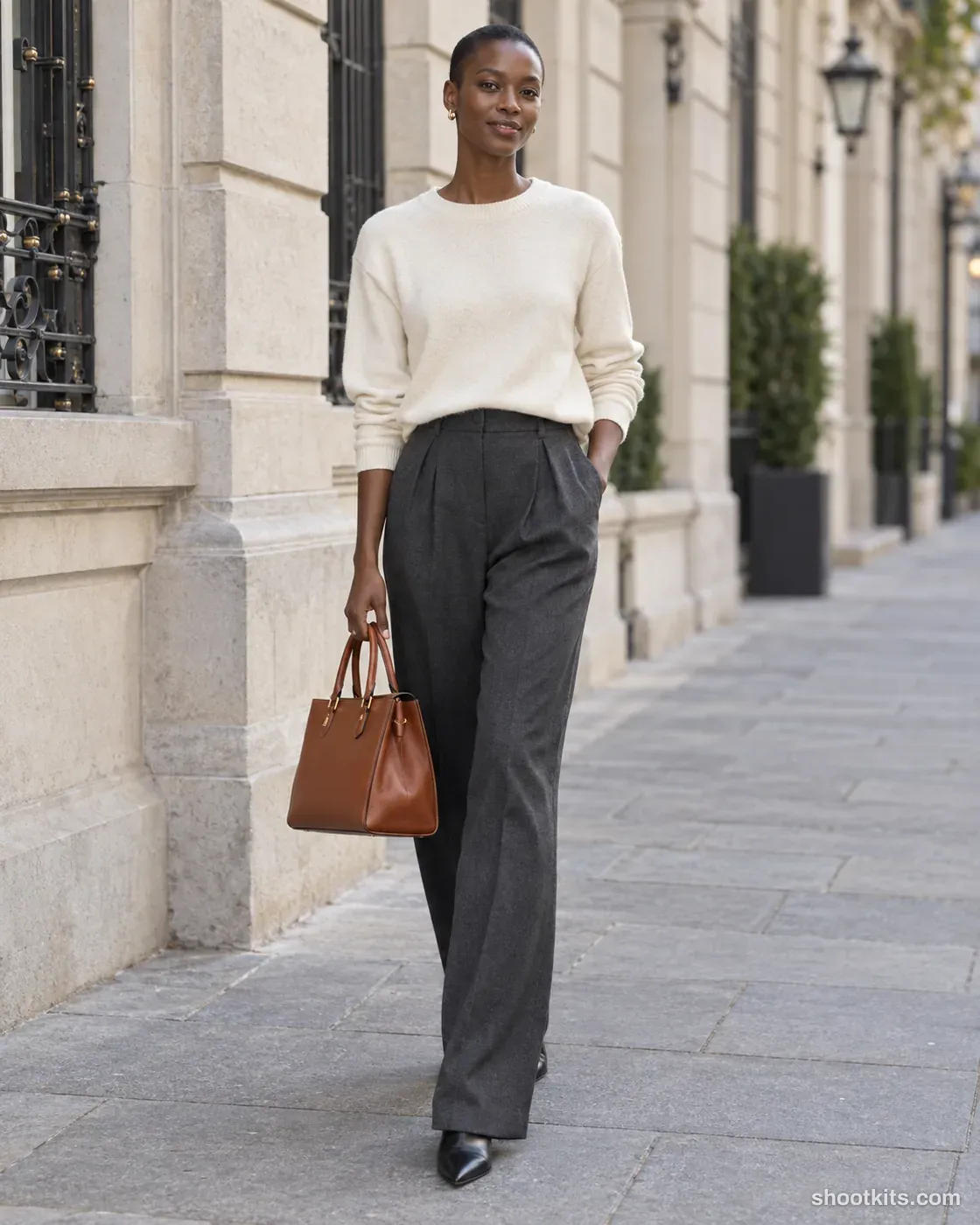
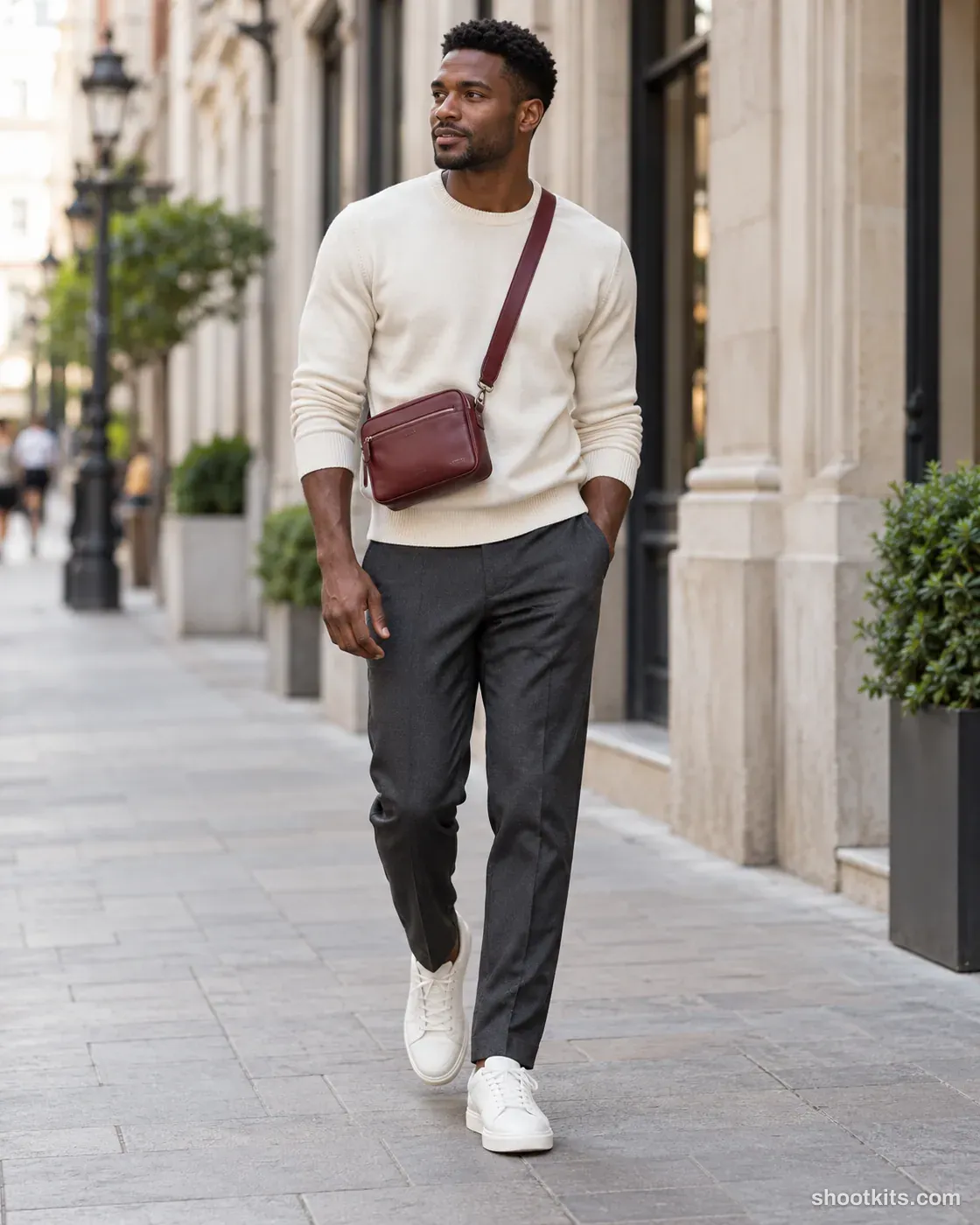
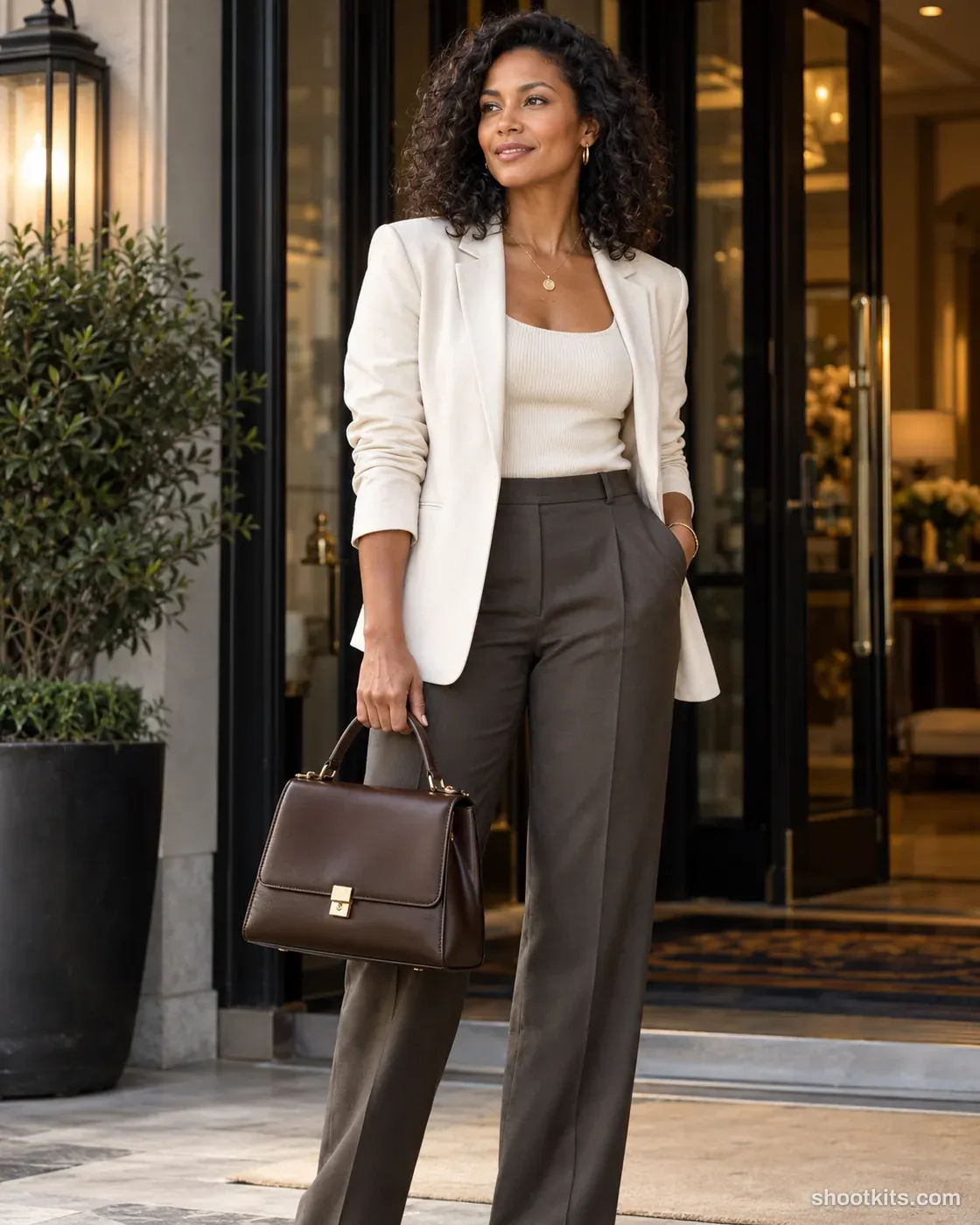
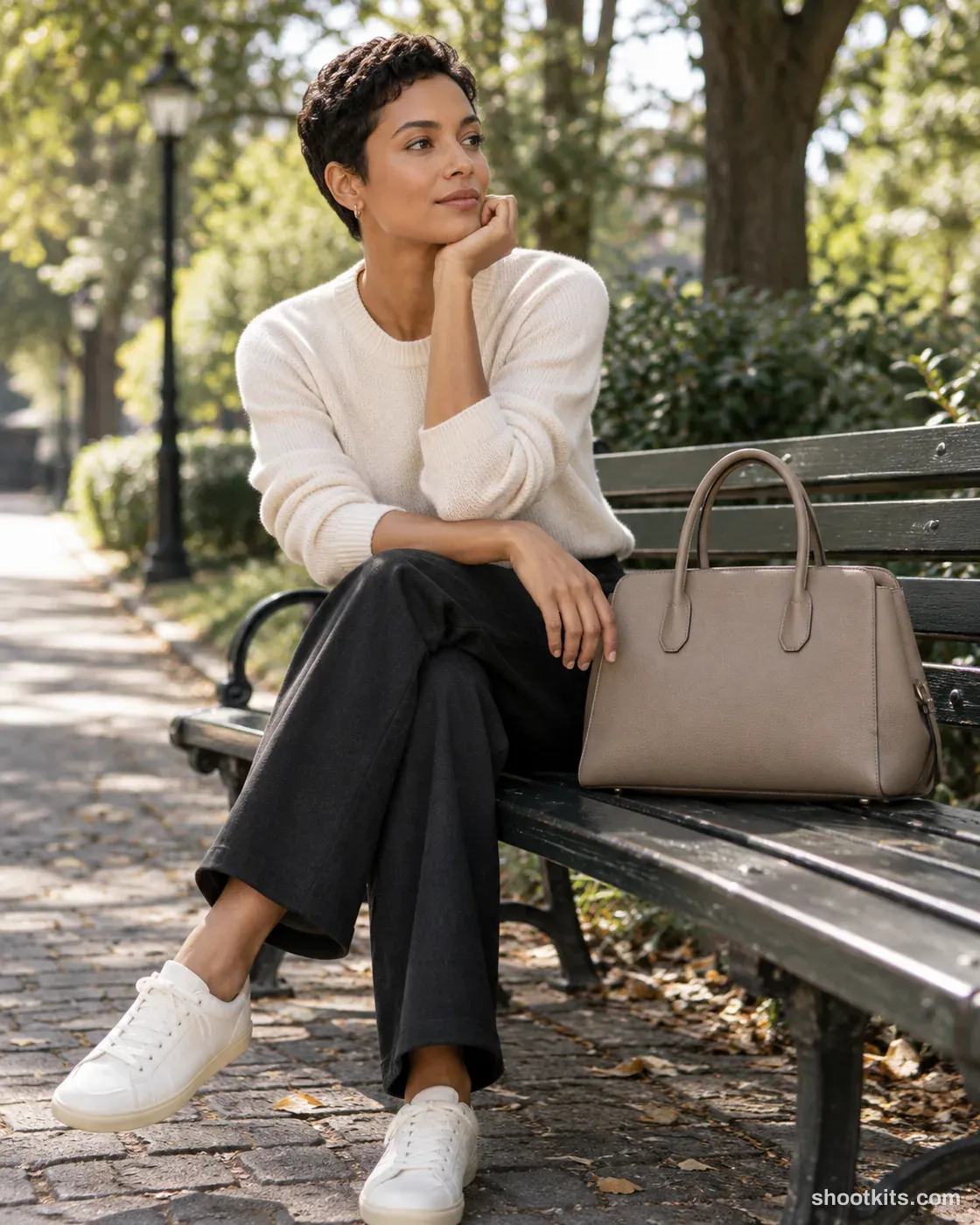
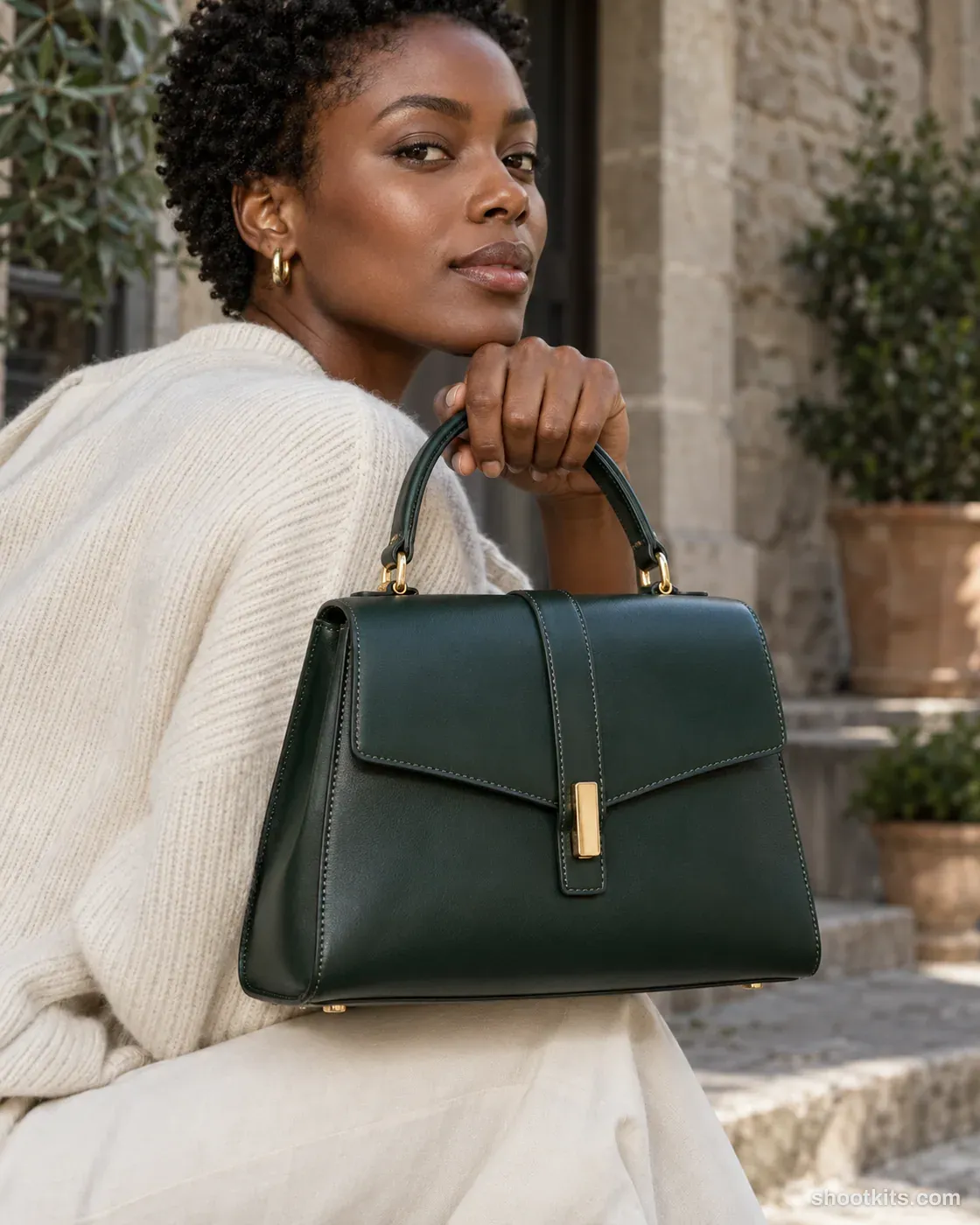
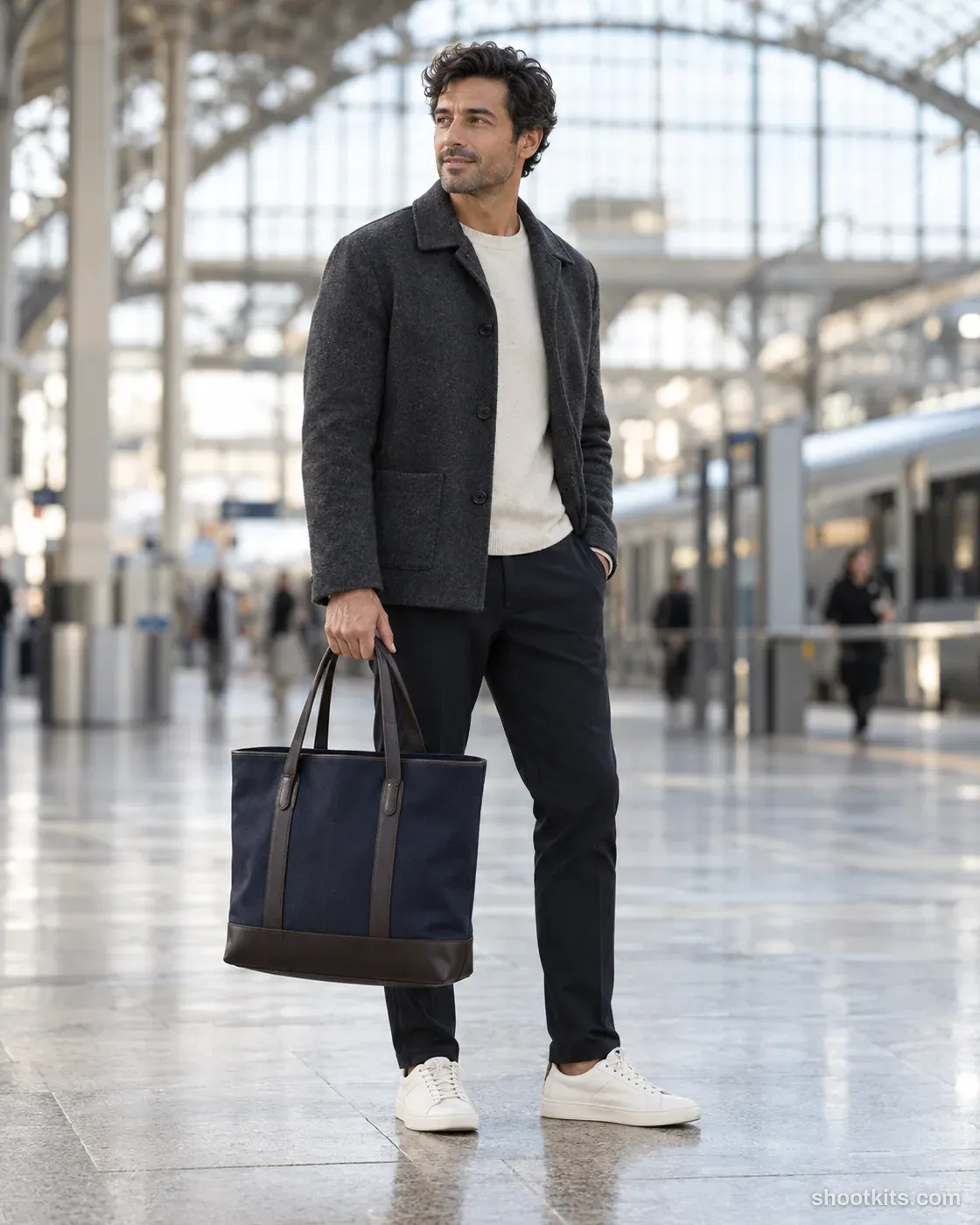
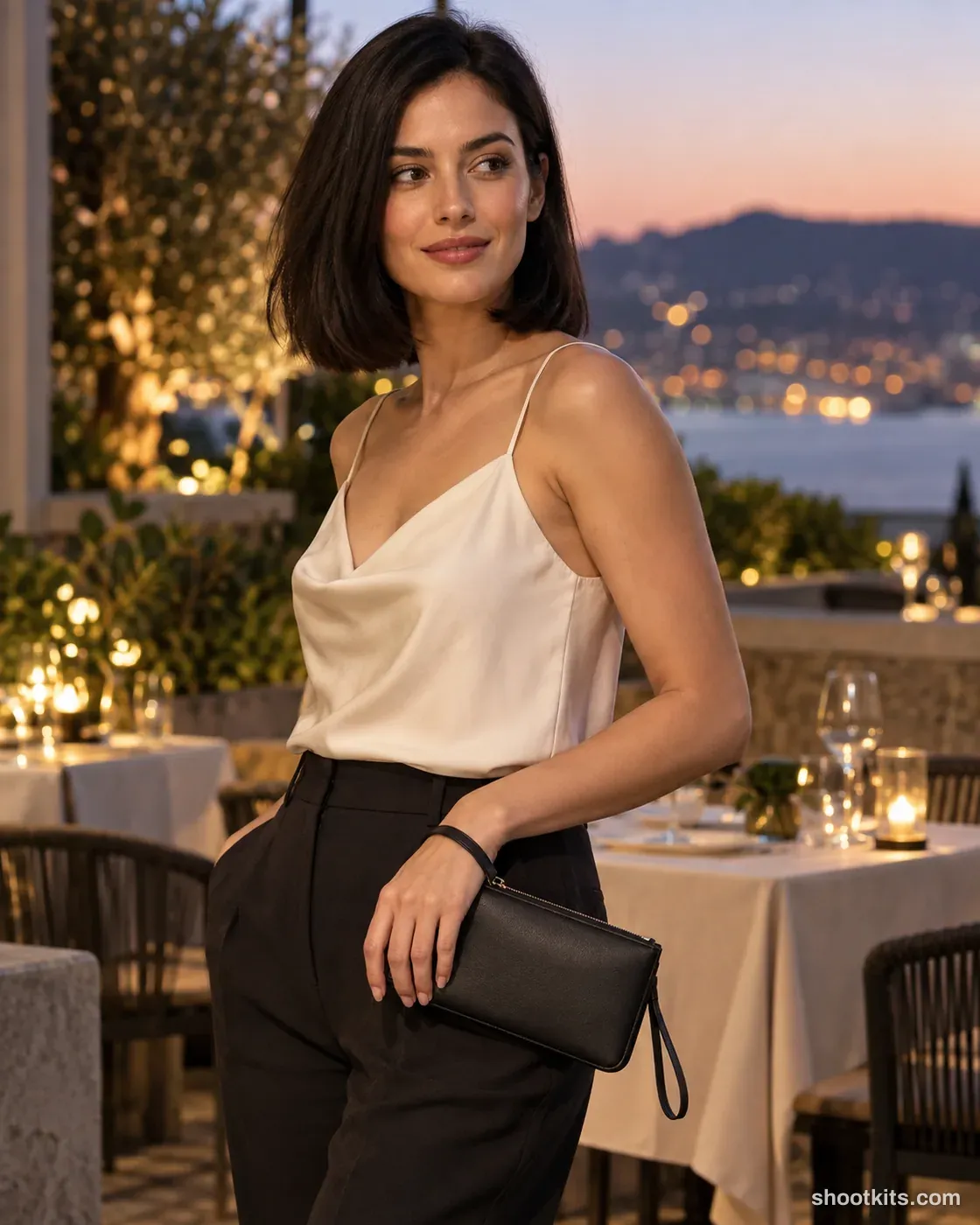
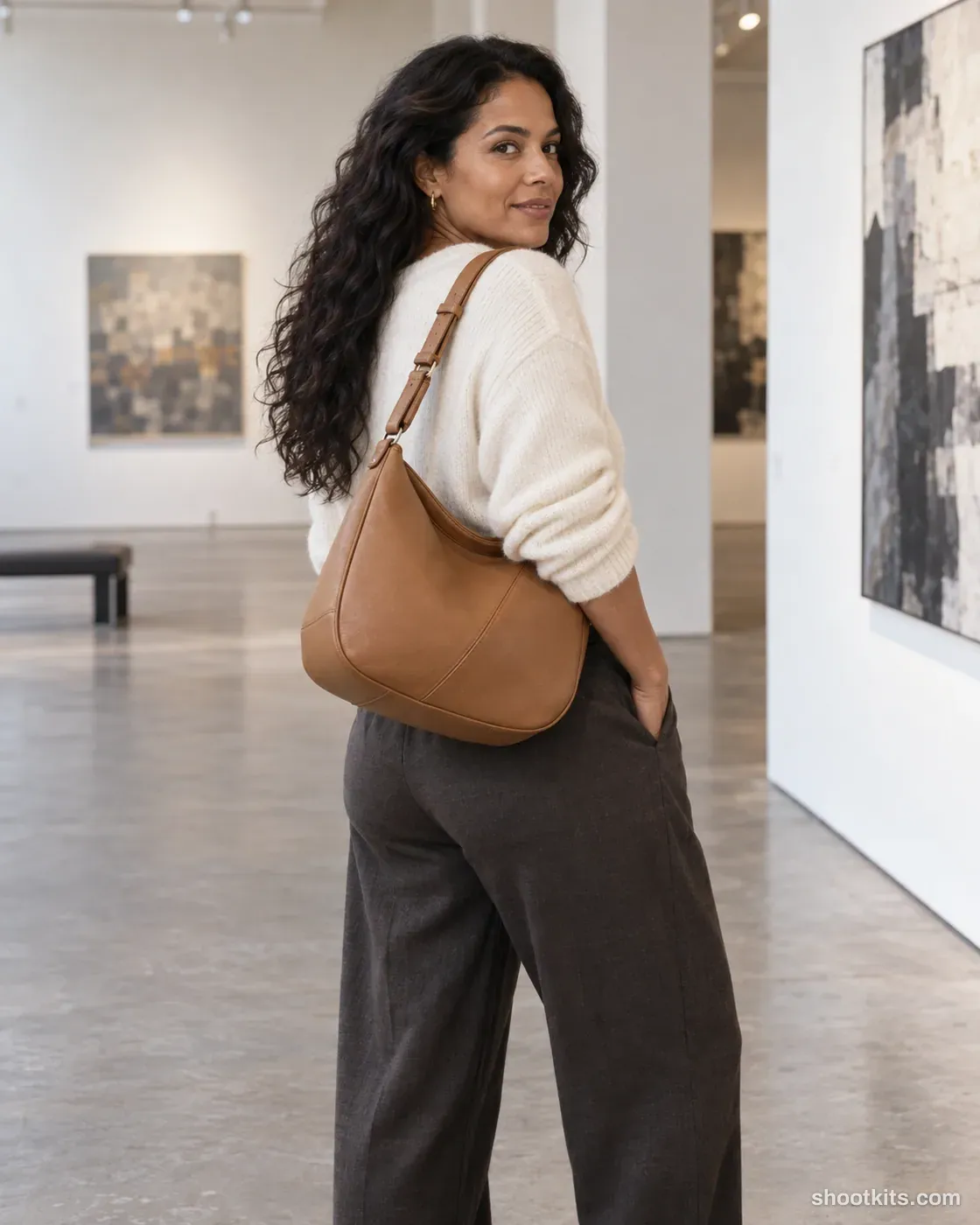
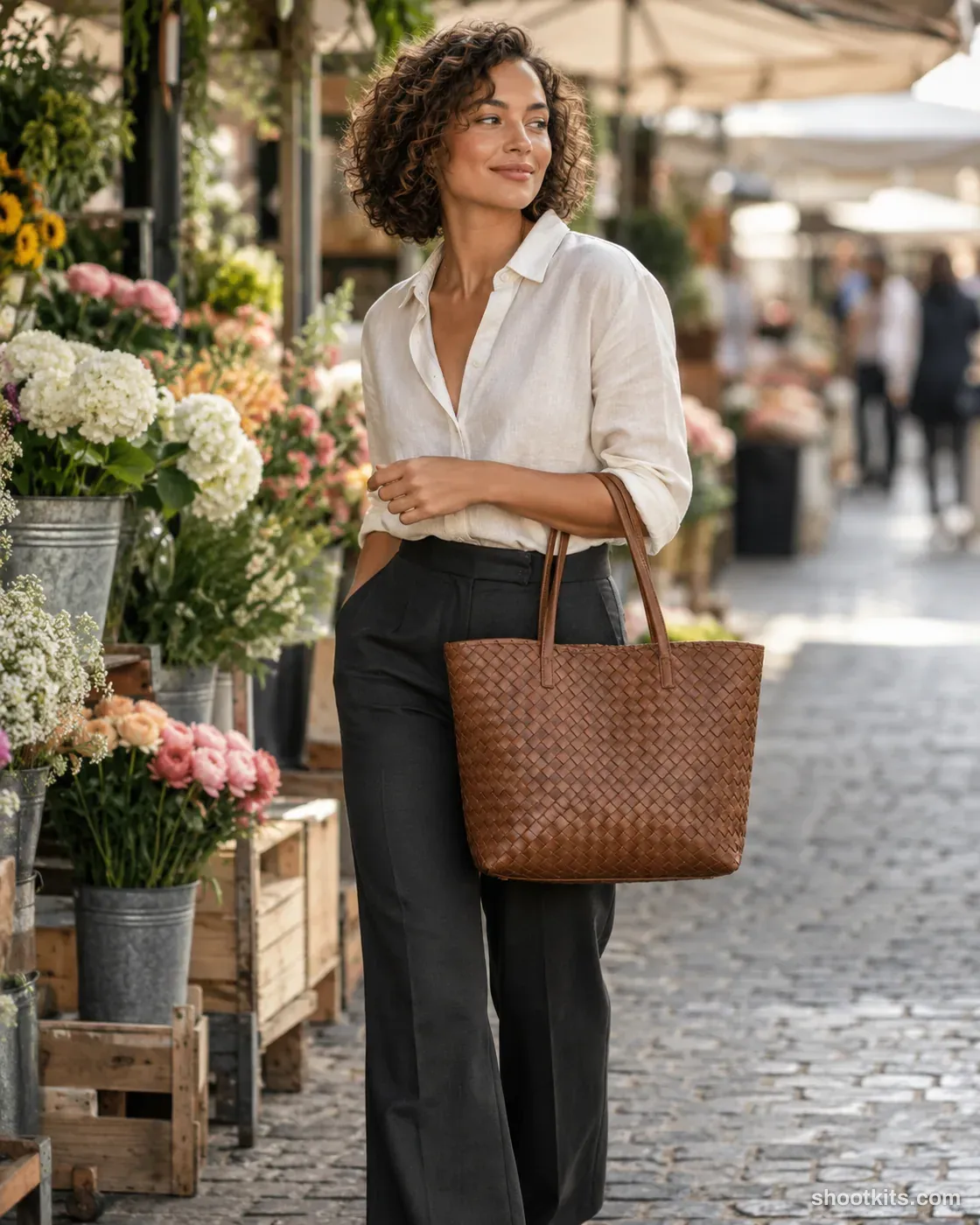
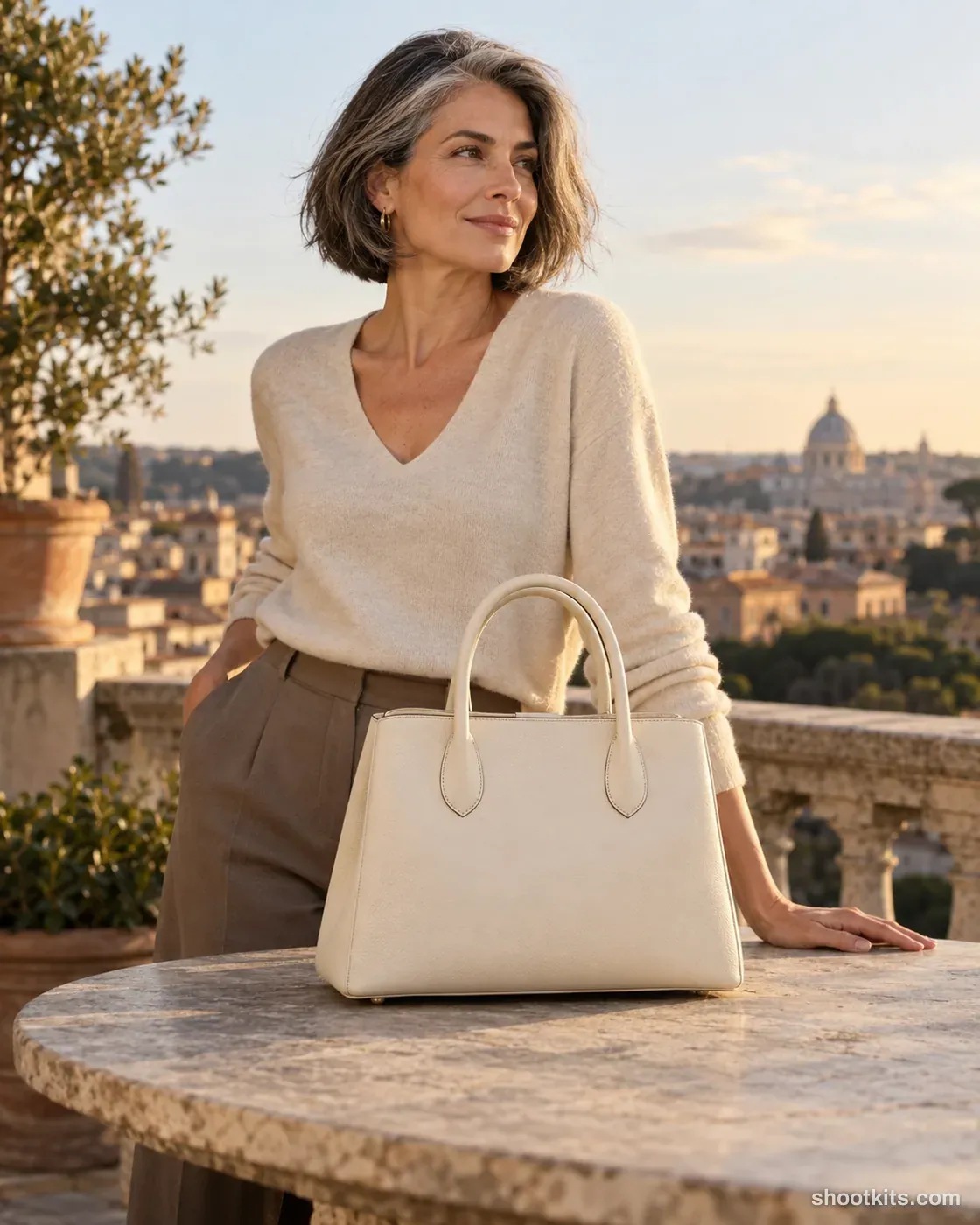
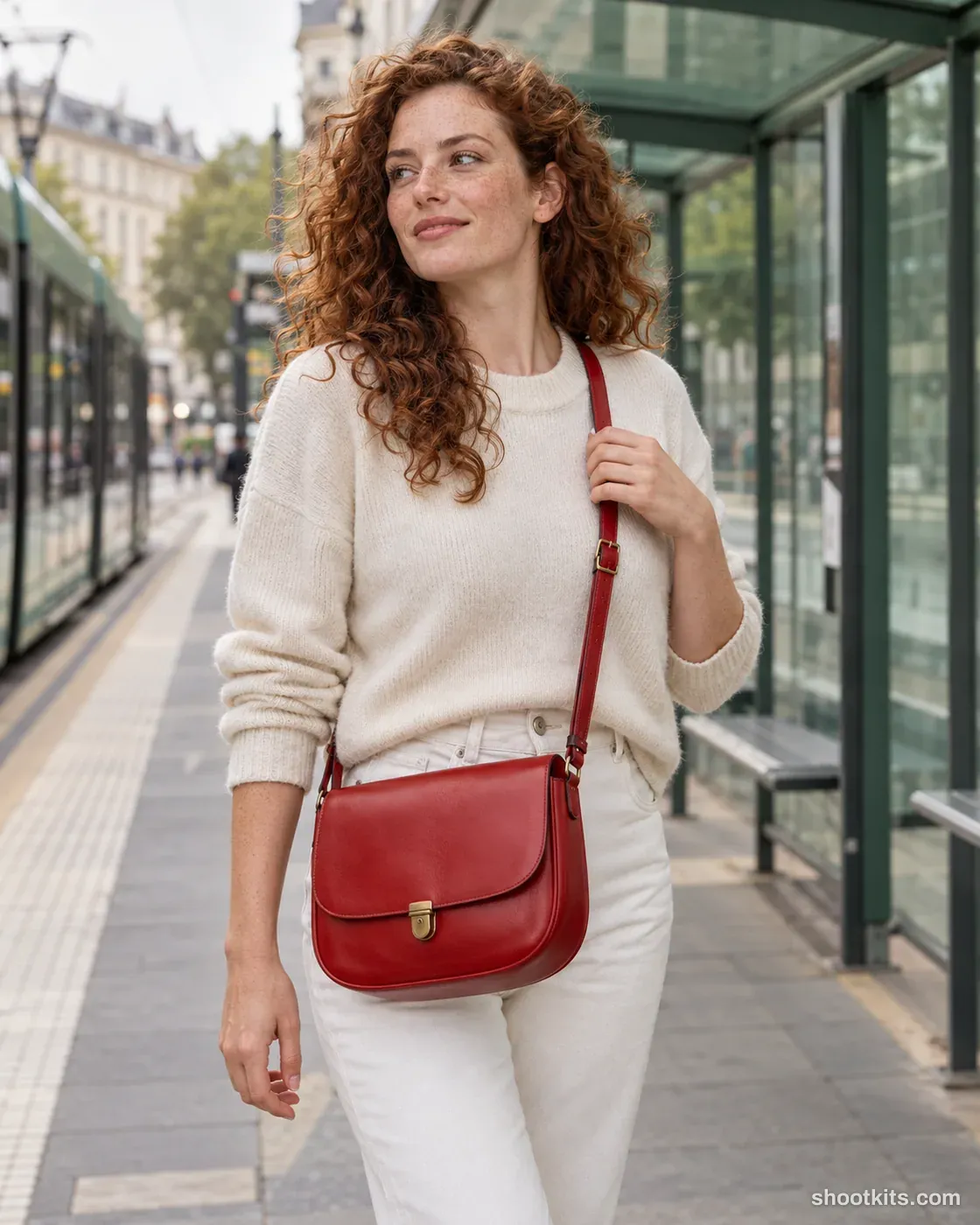
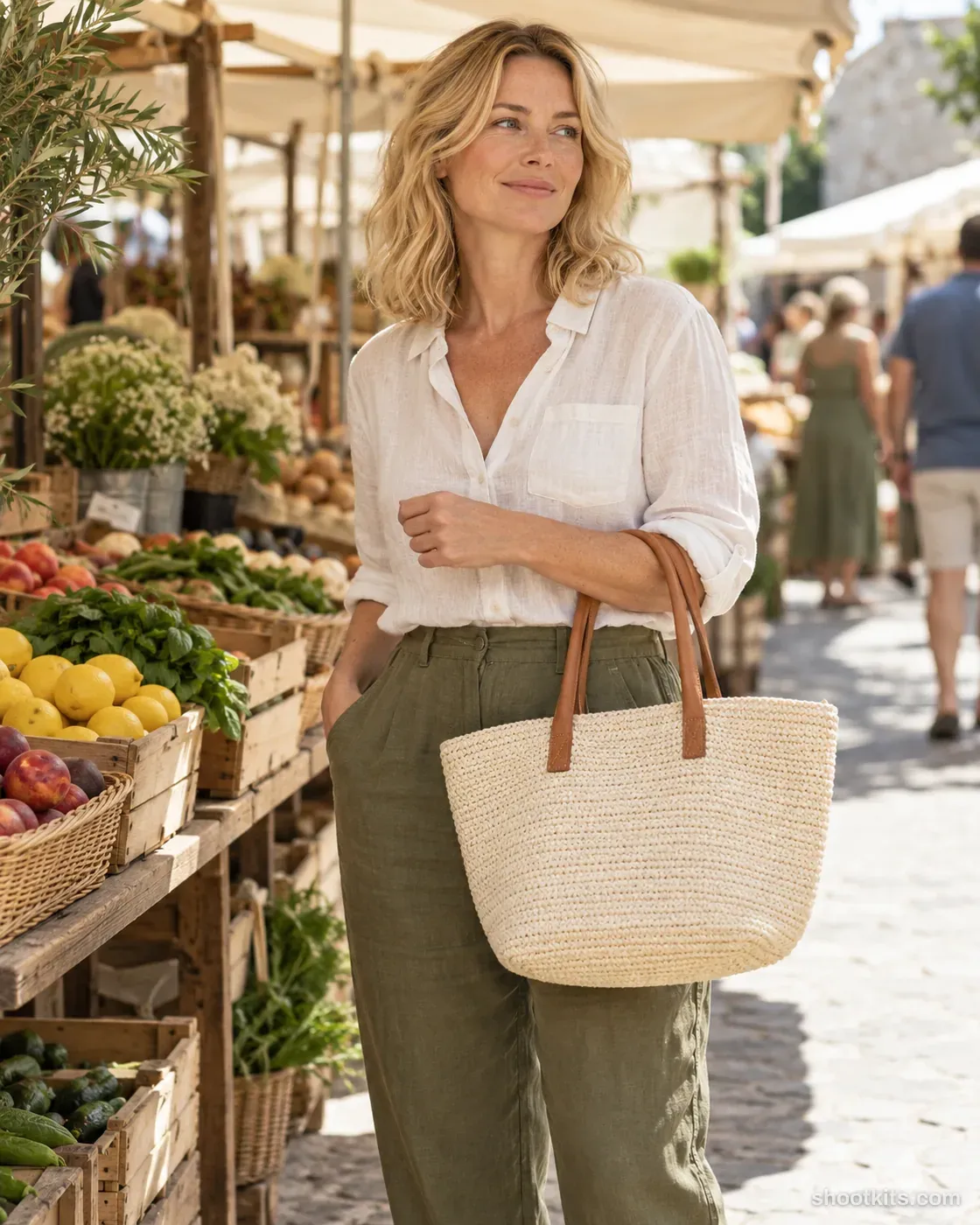
Bag product photography ideas
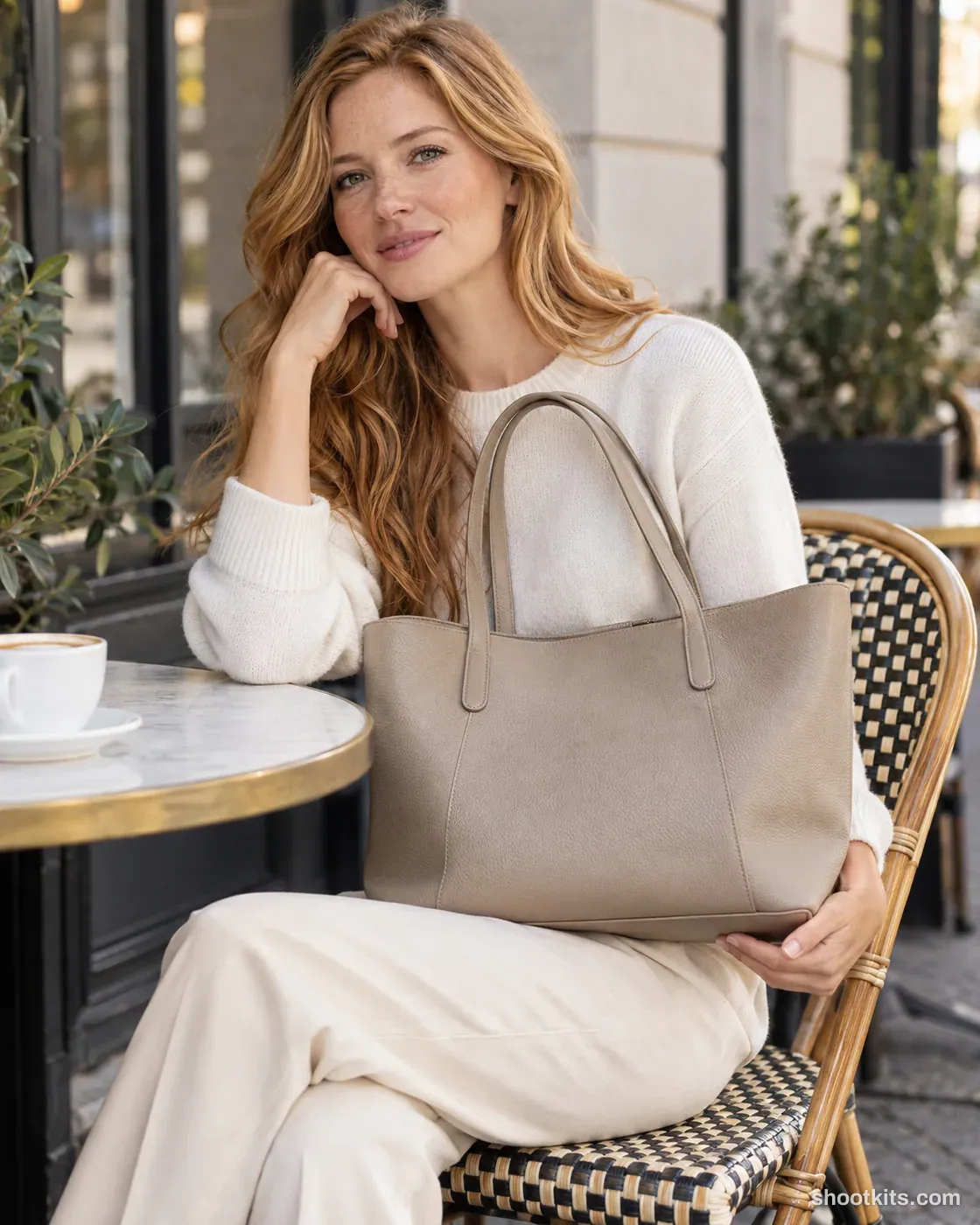
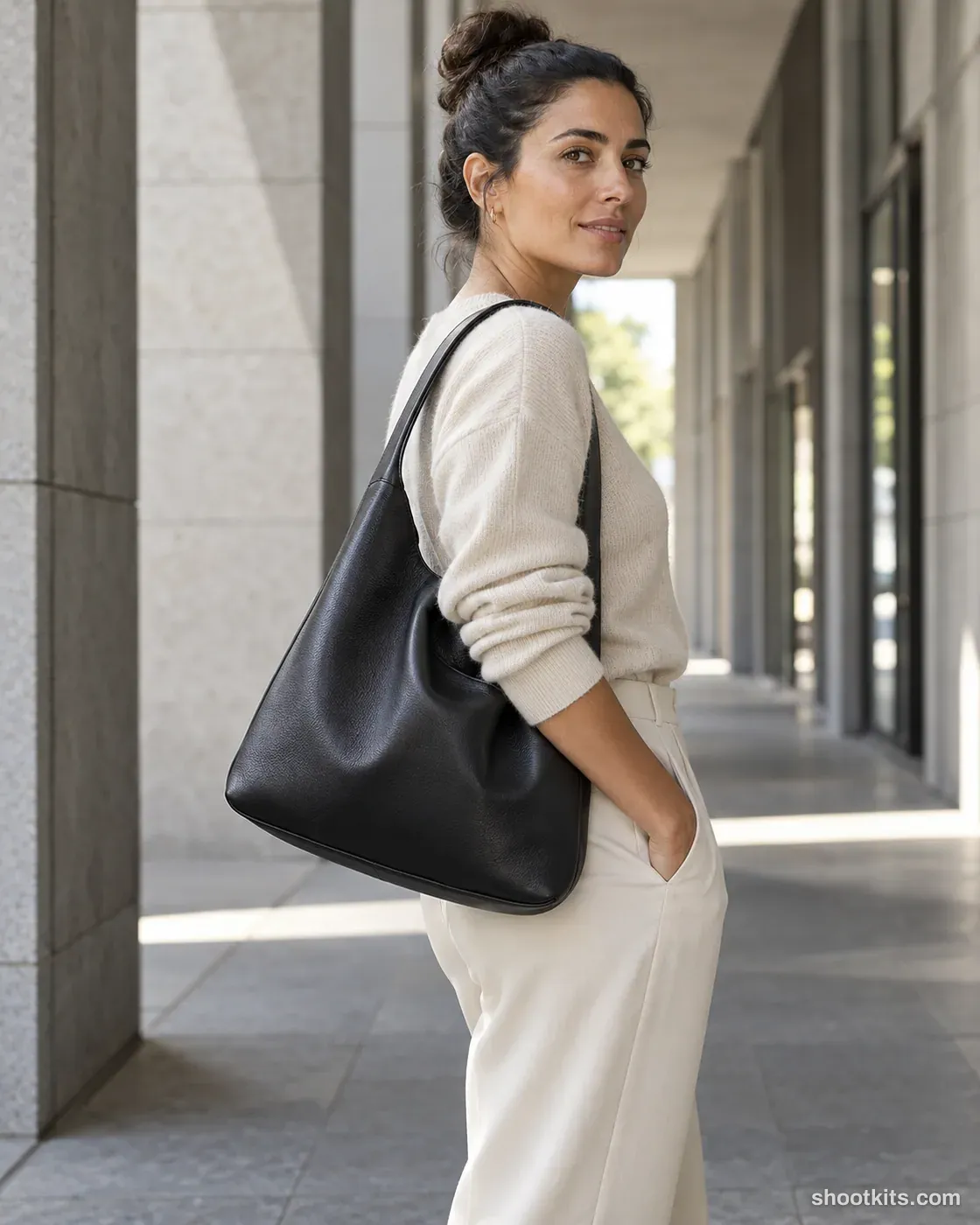
Bag photography works best when the bag is carried, not just placed. Buyers want to see size against a body, how the strap sits on a shoulder and what the bag looks like open. Mix a straight-on product shot and a hardware close-up with handbag lifestyle scenes: a bag on a café chair, on the commute, at a hotel arrival or a weekend market. These prompts cover those moments, so your listing shows scale, detail and the life the bag belongs to.
Bag photography ideas
Good bag photography answers the questions shoppers can’t ask: how big is it, what fits inside, how does it sit on the body? Shoot the bag on a shoulder and in a hand, open with a phone and keys inside for scale, and from the back to show pockets. Place handbags at a café, on a train seat or at a hotel check-in, and backpacks on a commute. The prompts keep hardware, stitching and leather grain exactly as on your bag.
This page has 1 campaign kit and 14 single shots. Every kit includes the full prompt to copy and an example image made with it, and all of them are free to use for your bag brand’s store, ads and social media.
Bags questions
- What are the best ChatGPT prompts for bags product photos?
- ShootKits has 1 free bags campaign kits and 14 single-shot prompts. Good starting points are the carry the curve bag campaign. Each one keeps your real bag and builds the set, light and styling around it.
- How should I photograph my bag for ChatGPT?
- Stand the bag upright on a plain surface, lightly stuffed so it keeps its shape, with handles up and straps visible. Shoot straight on, then add a side view if the gusset matters.
- Will ChatGPT change my bag?
- Every bags prompt tells ChatGPT to protect the shape, hardware, stitching, handles and straps. Small details can still drift, so zoom in before publishing and, if needed, reply in the same chat with exactly what to keep.