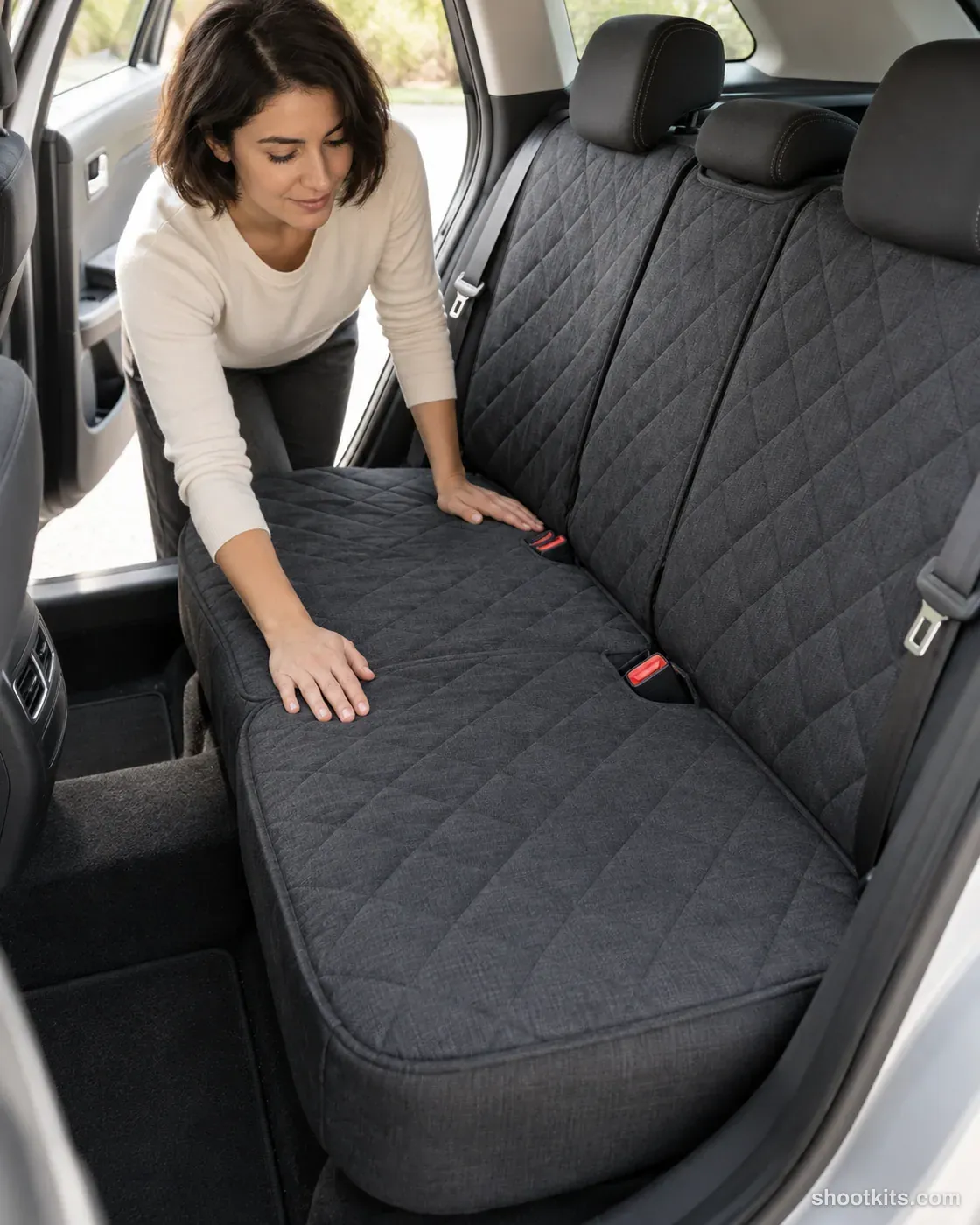
Seat cover fit
- Single shot
- Model included
- Portrait 4:5
Showing a seat cover being smoothed into place makes its fit easier to understand than a flat product view alone. The composition suits rear-seat covers, protective textiles and fitted automotive upholstery accessories. Give ChatGPT your product photograph together with a compatible seat image if possible, and identify the real buckle openings or separate sections. Check that the generated cover follows the seat naturally and leaves functional fittings visible before using it to support a listing or installation story.
Describe your car product in a few words. Still attach your product photo in ChatGPT.
Attach your product photo before you paste the prompt. A plain background and even light give the most accurate result.
How to use this prompt
- Photograph your car product. Use a plain background and soft, even light. A phone photo is fine if it's sharp.
- Open ChatGPT and attach the photo. Use a model that can create images.
- Paste the prompt and send it. You get one finished photo.
- Fix details in the same chat. If something changed, reply with what to keep, for example: “Keep the label exactly as in my photo.”
More tips in How it works.
Questions about this kit
- What does the Seat cover fit prompt create?
- It creates one finished portrait photo (4:5) of your own car product, in this scene: clean car rear seats with door open. The 4:5 shape fits Instagram feed posts and most product pages.
- Do I need to provide a model?
- No. ChatGPT casts an adult model itself. You only upload a photo of your car product.
- Will ChatGPT keep my car product exactly as it is?
- The prompt tells ChatGPT to treat your photo as the source of truth and to protect the shape, finish, nozzles, mounting points and label. If a detail still changes, reply in the same chat: “Keep the shape exactly as in my photo.”