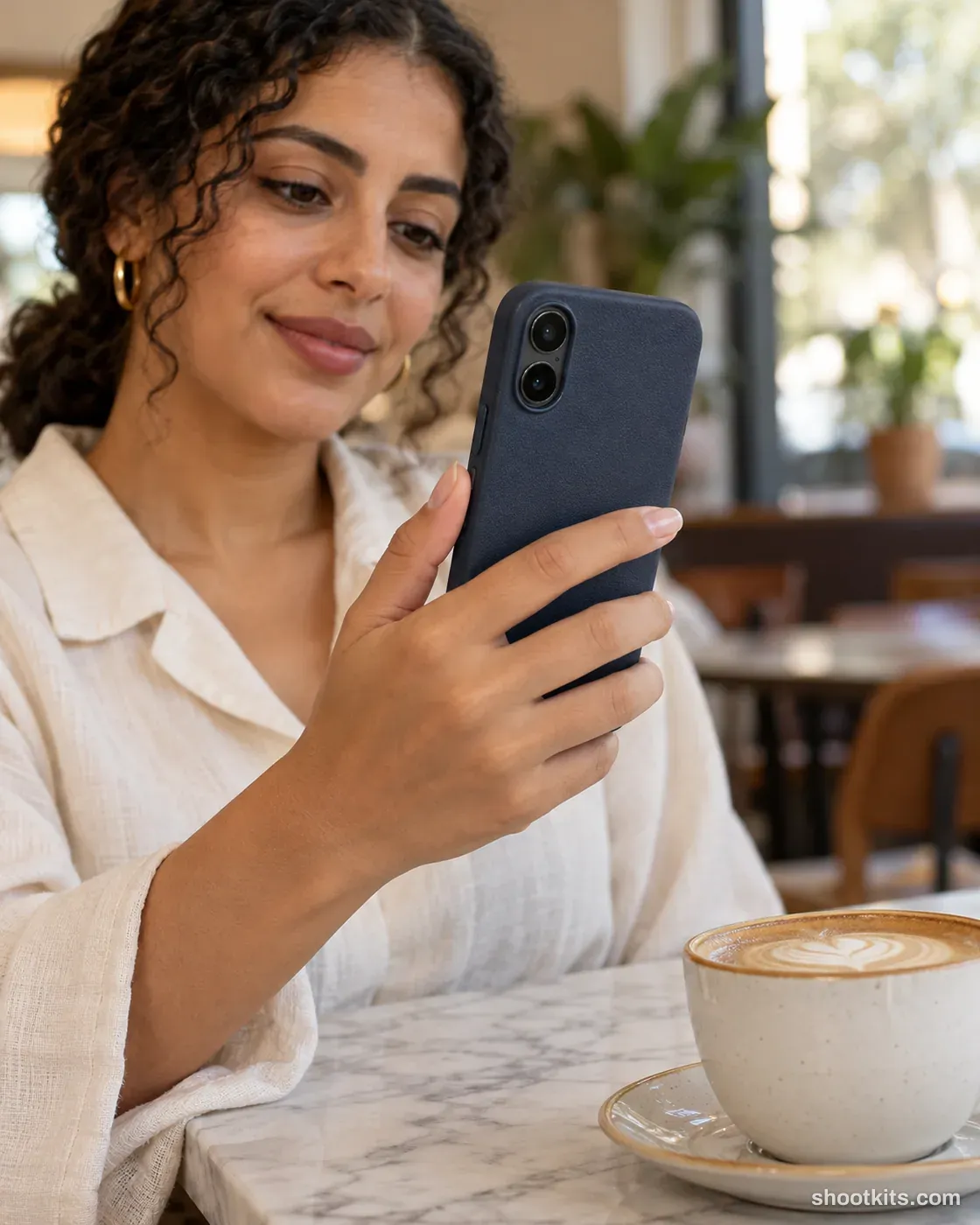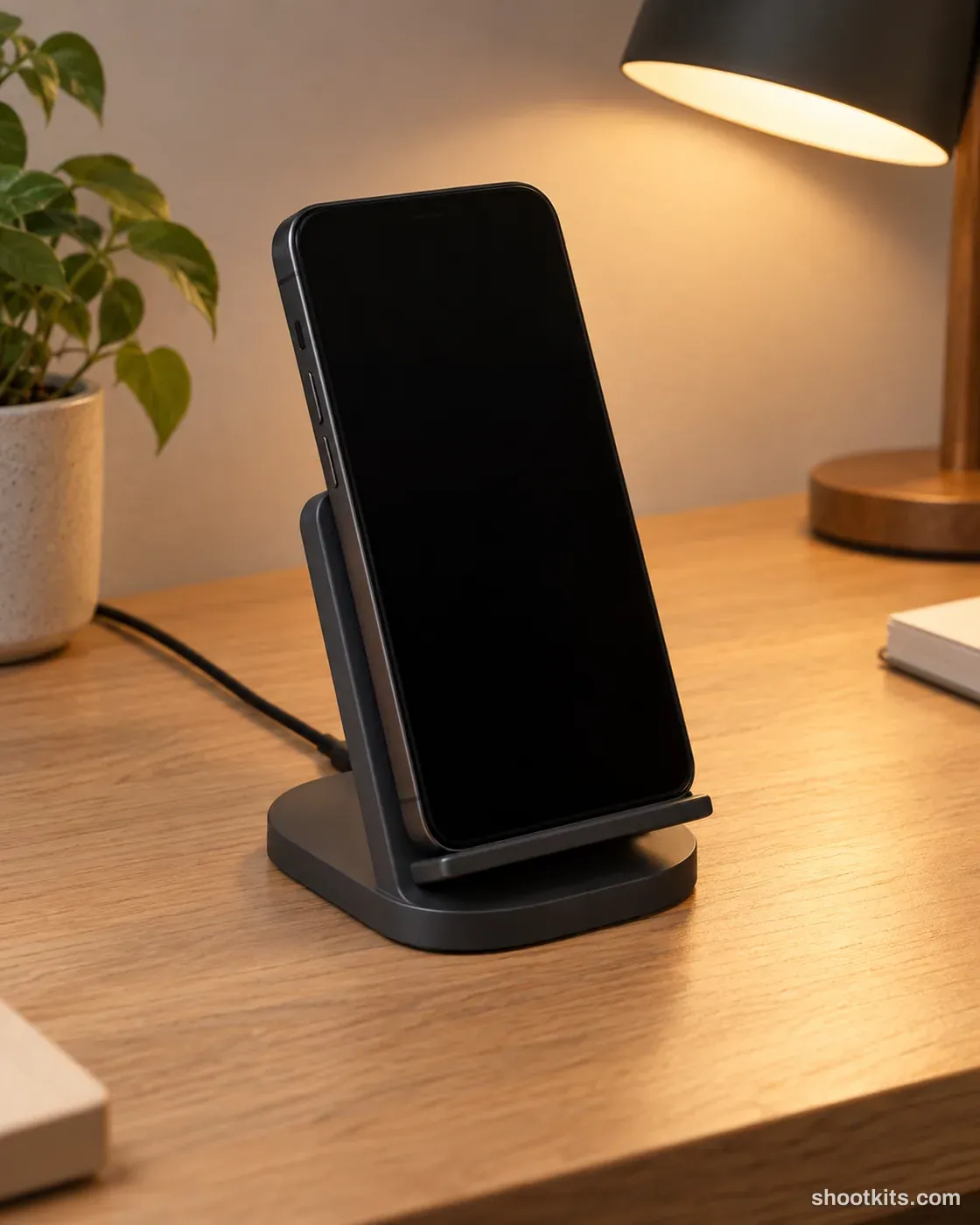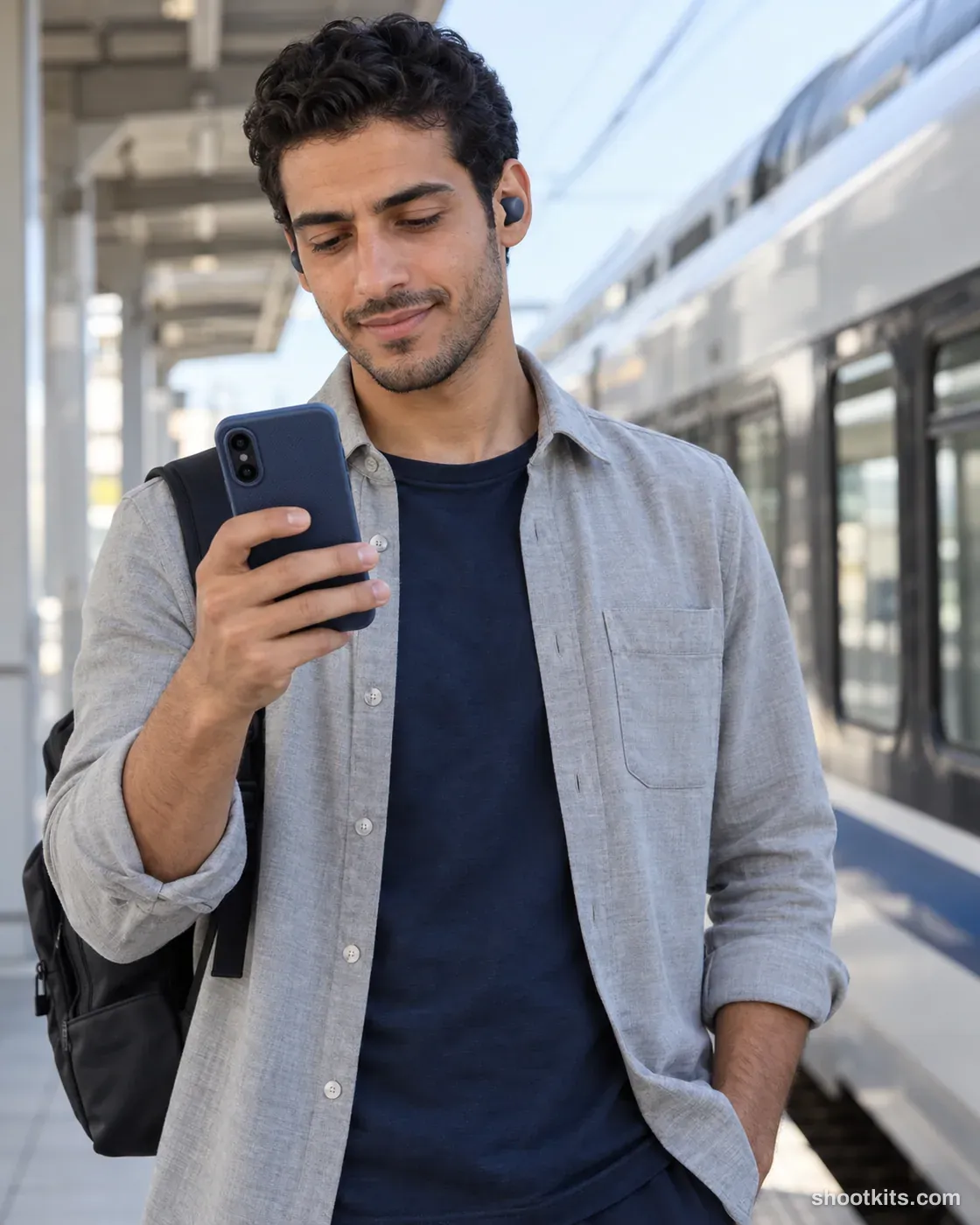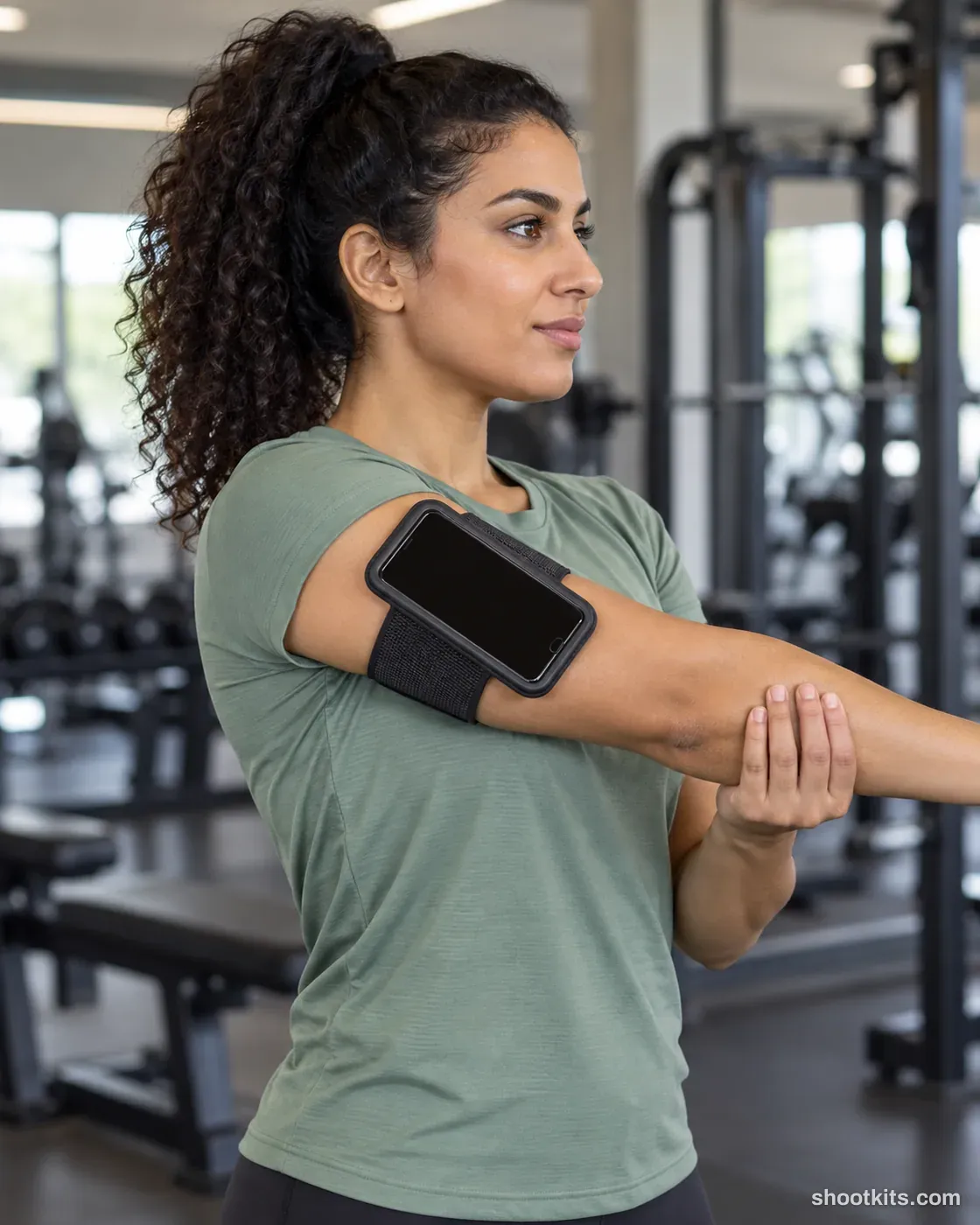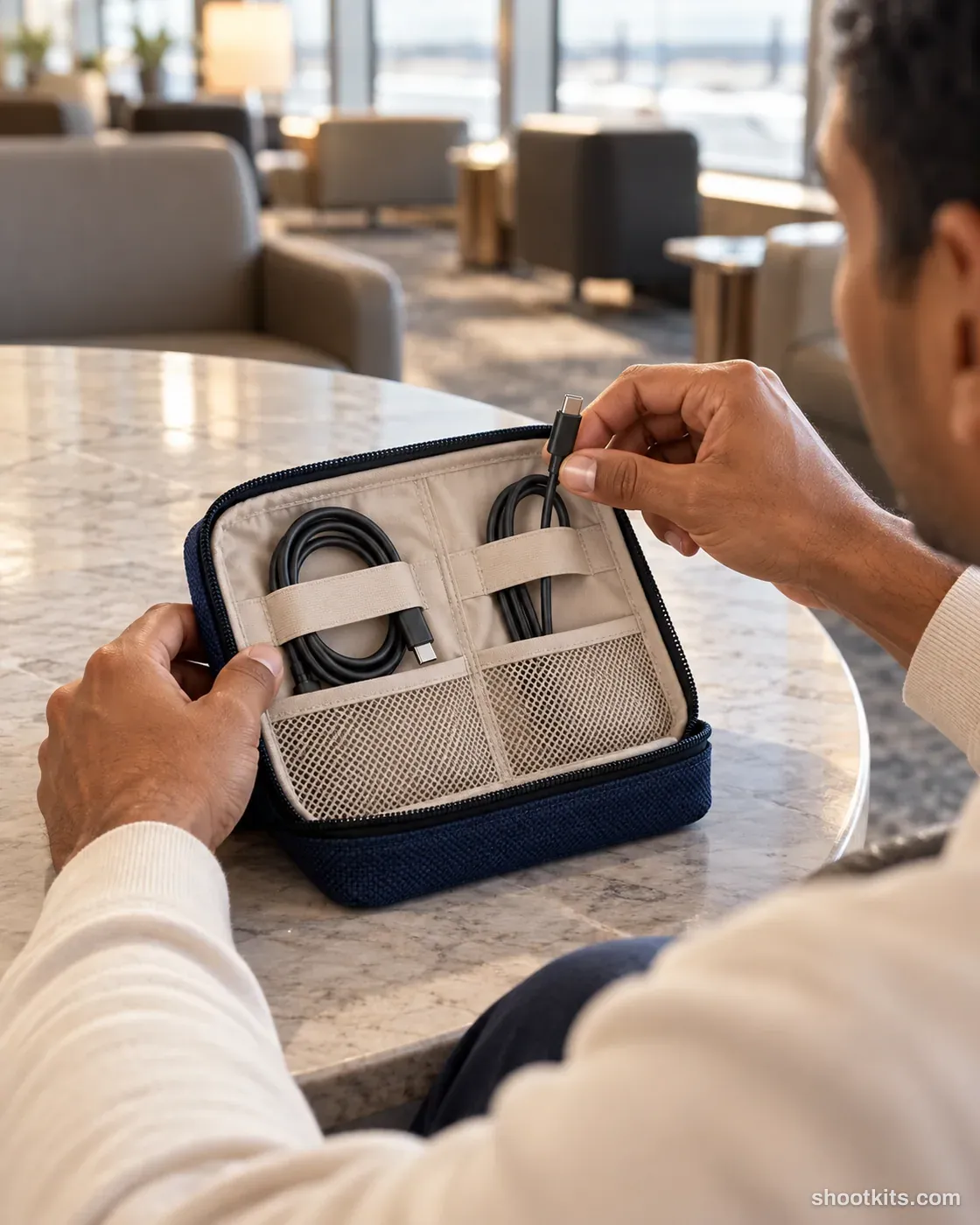
Travel pouch
- Single shot
- Model included
- Portrait 4:5
Opening a travel organiser tells a more useful story than showing its closed exterior alone. The hands and cable compartments make the pouch's everyday purpose clear, while an airport lounge suggests packing and convenience. Cable cases, compact tech organisers, and small travel storage products suit this approach. Upload an interior photo to ChatGPT and list the real compartment count, dimensions, and included items; otherwise, the generation may add pockets or accessories that your customers would not receive.
Describe your tech accessory in a few words. Still attach your product photo in ChatGPT.
Attach your product photo before you paste the prompt. A plain background and even light give the most accurate result.
How to use this prompt
- Photograph your tech accessory. Use a plain background and soft, even light. A phone photo is fine if it's sharp.
- Open ChatGPT and attach the photo. Use a model that can create images.
- Paste the prompt and send it. You get one finished photo.
- Fix details in the same chat. If something changed, reply with what to keep, for example: “Keep the label exactly as in my photo.”
More tips in How it works.
Questions about this kit
- What does the Travel pouch prompt create?
- It creates one finished portrait photo (4:5) of your own tech accessory, in this scene: airport lounge. The 4:5 shape fits Instagram feed posts and most product pages.
- Do I need to provide a model?
- No. ChatGPT casts an adult model itself. You only upload a photo of your tech accessory.
- Will ChatGPT keep my tech accessory exactly as it is?
- The prompt tells ChatGPT to treat your photo as the source of truth and to protect the cut-outs, buttons, connectors, texture and finish. If a detail still changes, reply in the same chat: “Keep the cut-outs exactly as in my photo.”