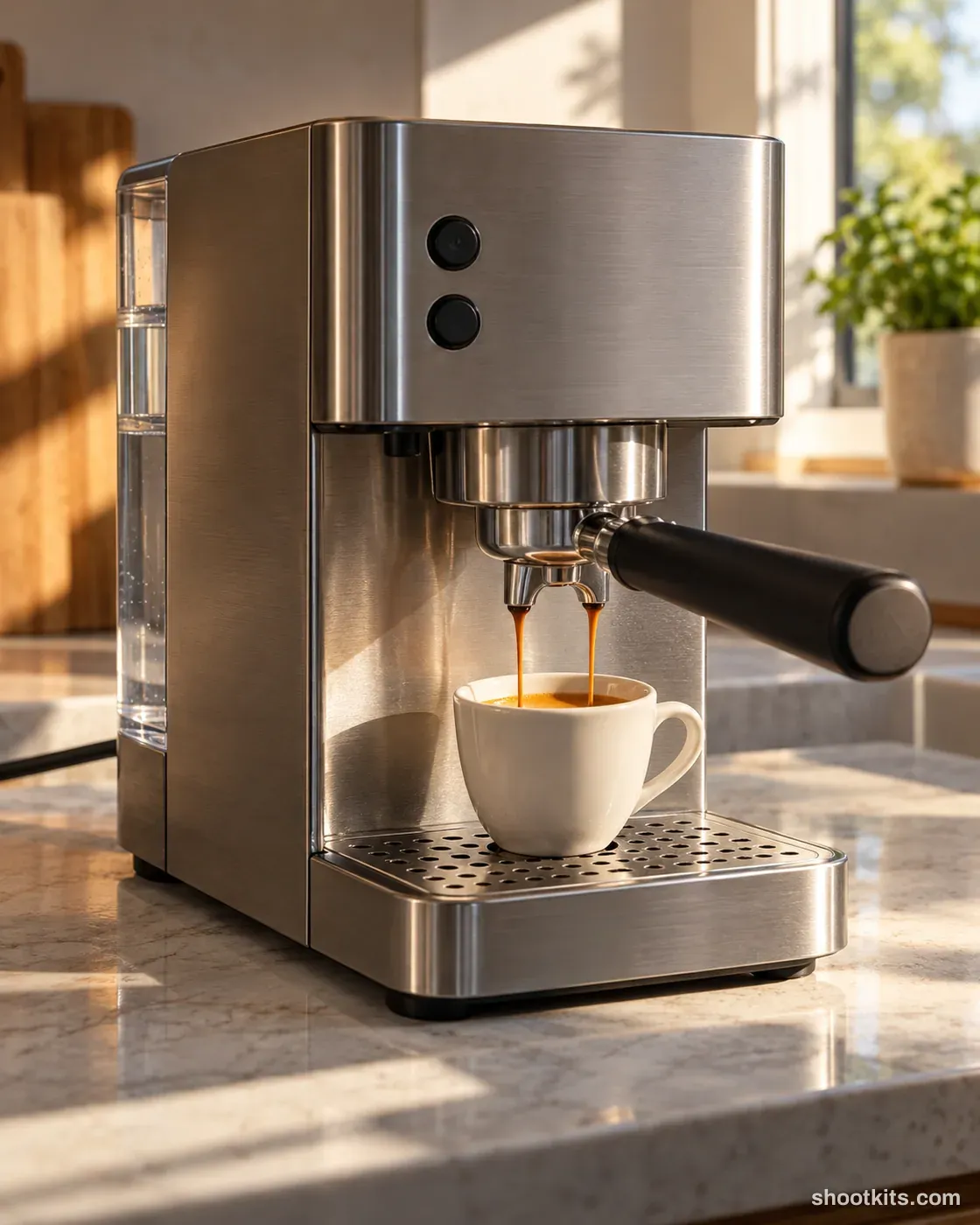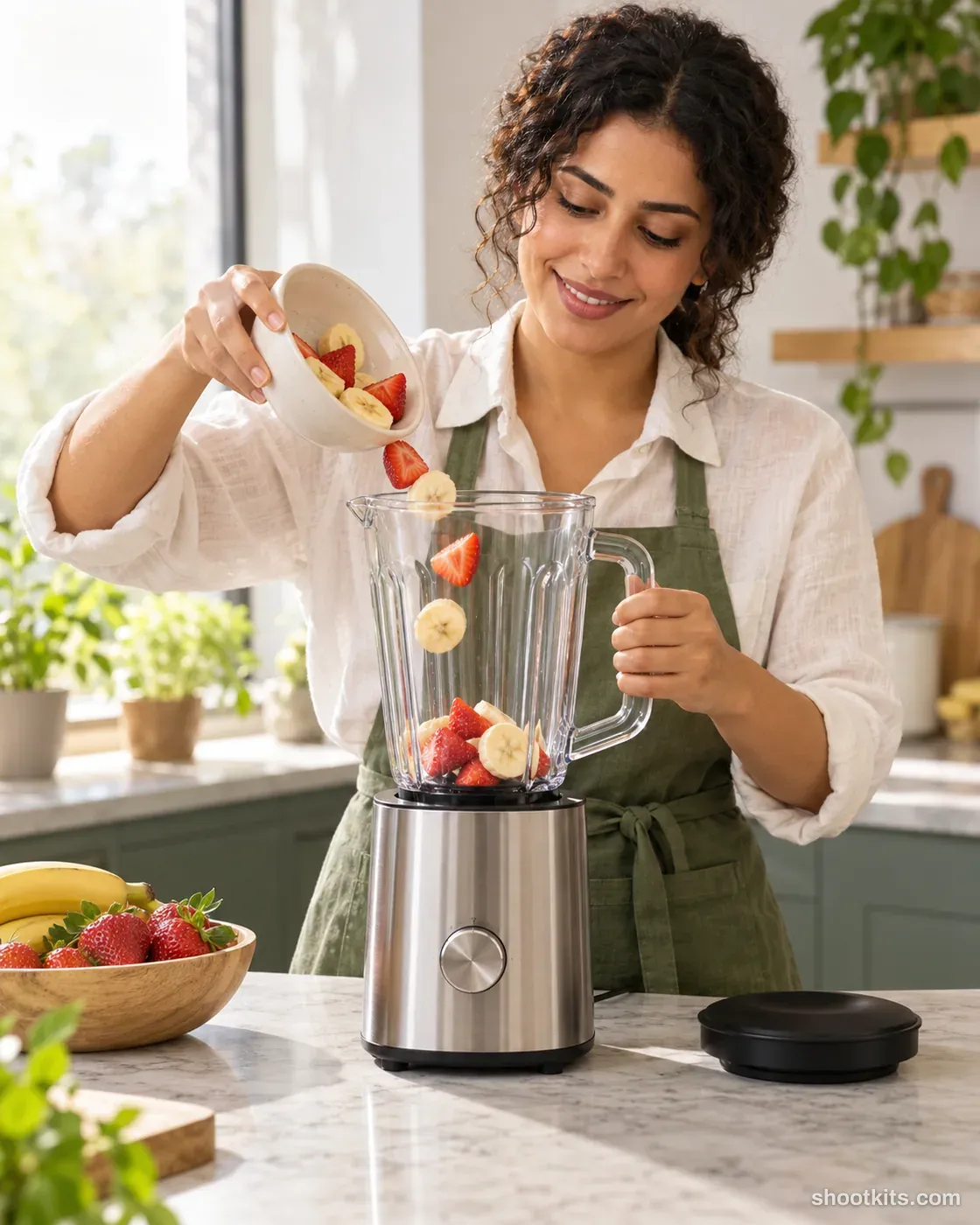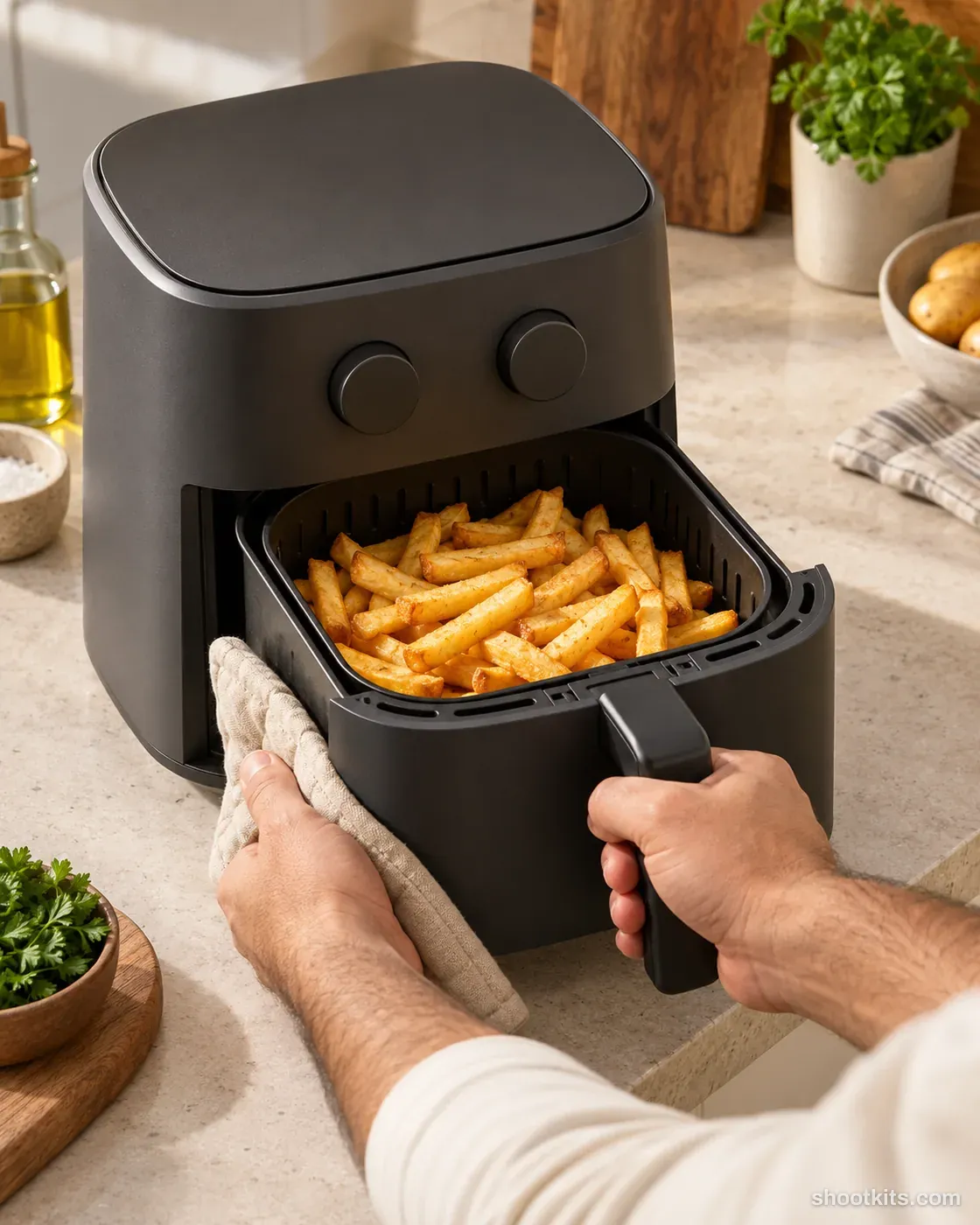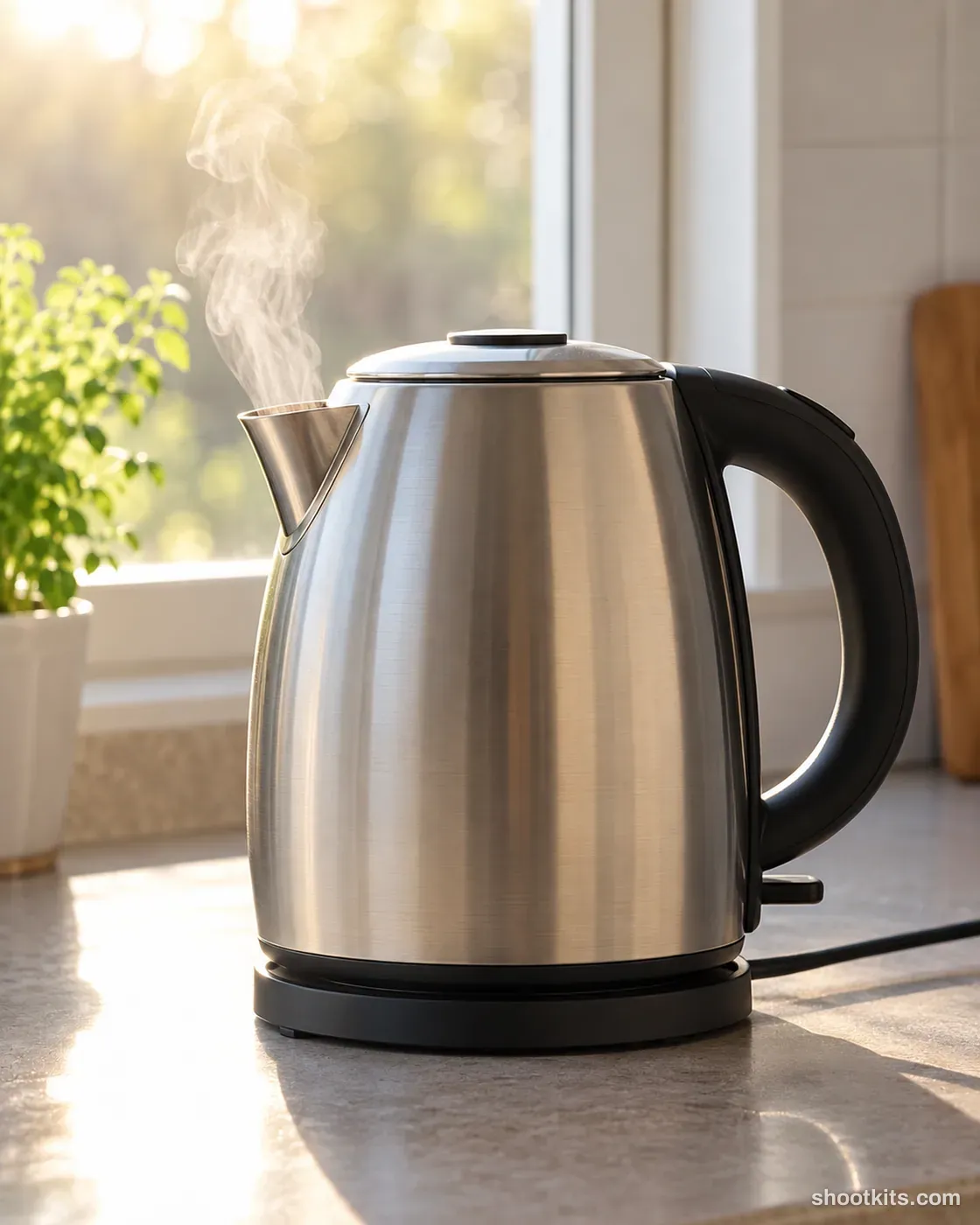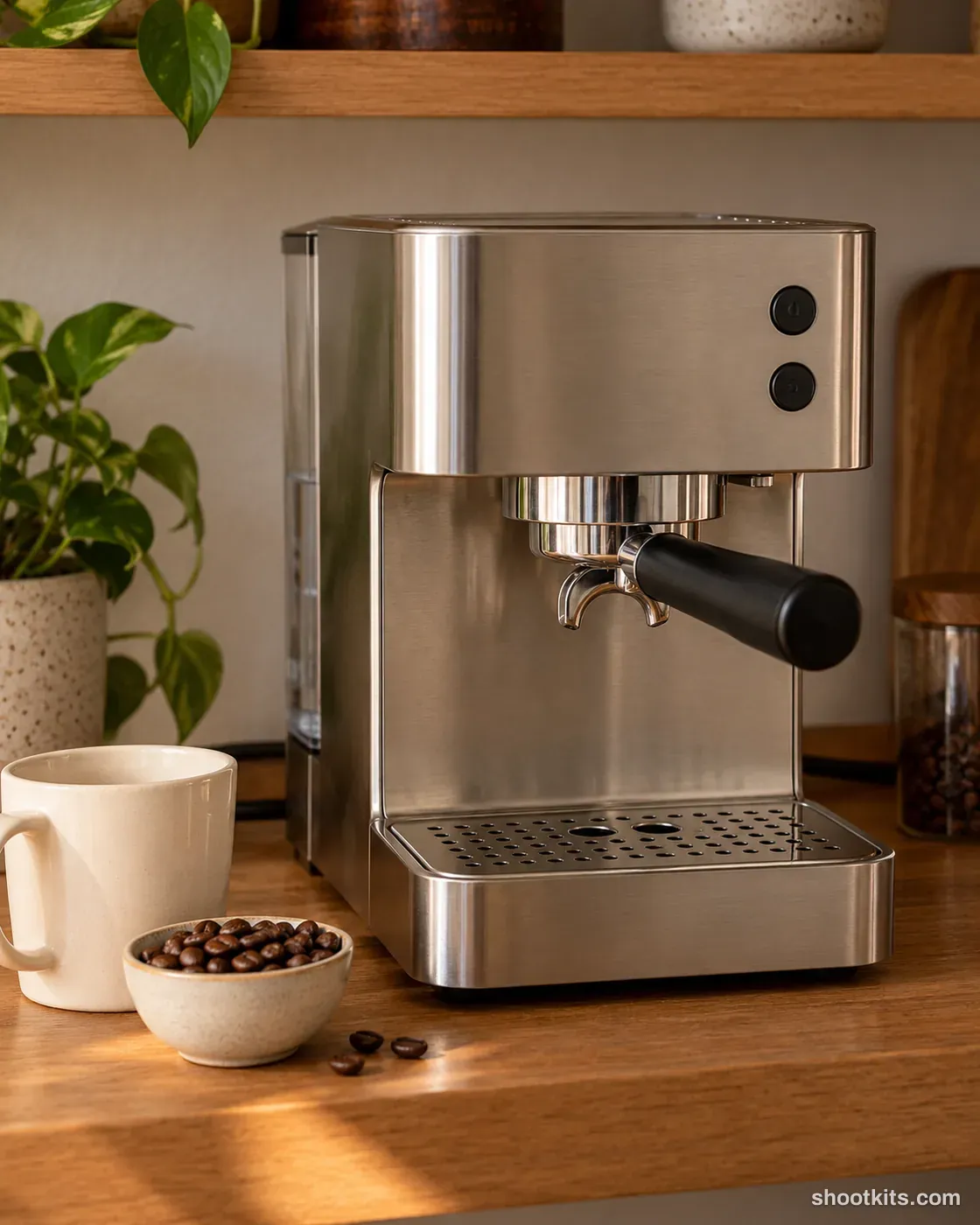
Coffee bar
- Single shot
- Product only
- Portrait 4:5
A dedicated coffee corner gives a machine a settled place in the home and supports collections aimed at everyday coffee drinkers. Espresso makers, grinders and coordinated mugs can use this warm shelf setting for a product page or a welcoming social image. Beans add context without needing a person or an active brewing sequence. Provide ChatGPT with your machine's photograph and explain which accessories should appear beside it. Keep the styling limited so the appliance, its finish and its actual controls remain easy to inspect.
Describe your kitchen appliance in a few words. Still attach your product photo in ChatGPT.
Attach your product photo before you paste the prompt. A plain background and even light give the most accurate result.
How to use this prompt
- Photograph your kitchen appliance. Use a plain background and soft, even light. A phone photo is fine if it's sharp.
- Open ChatGPT and attach the photo. Use a model that can create images.
- Paste the prompt and send it. You get one finished photo.
- Fix details in the same chat. If something changed, reply with what to keep, for example: “Keep the label exactly as in my photo.”
More tips in How it works.
Questions about this kit
- What does the Coffee bar prompt create?
- It creates one finished portrait photo (4:5) of your own kitchen appliance, in this scene: home coffee bar shelf. The 4:5 shape fits Instagram feed posts and most product pages.
- Are there people in the photos?
- No. This is a product-only photo, which suits listings, catalogues and ads where the kitchen appliance should be the only subject.
- Will ChatGPT keep my kitchen appliance exactly as it is?
- The prompt tells ChatGPT to treat your photo as the source of truth and to protect the buttons, dials, display, finish and proportions. If a detail still changes, reply in the same chat: “Keep the buttons exactly as in my photo.”