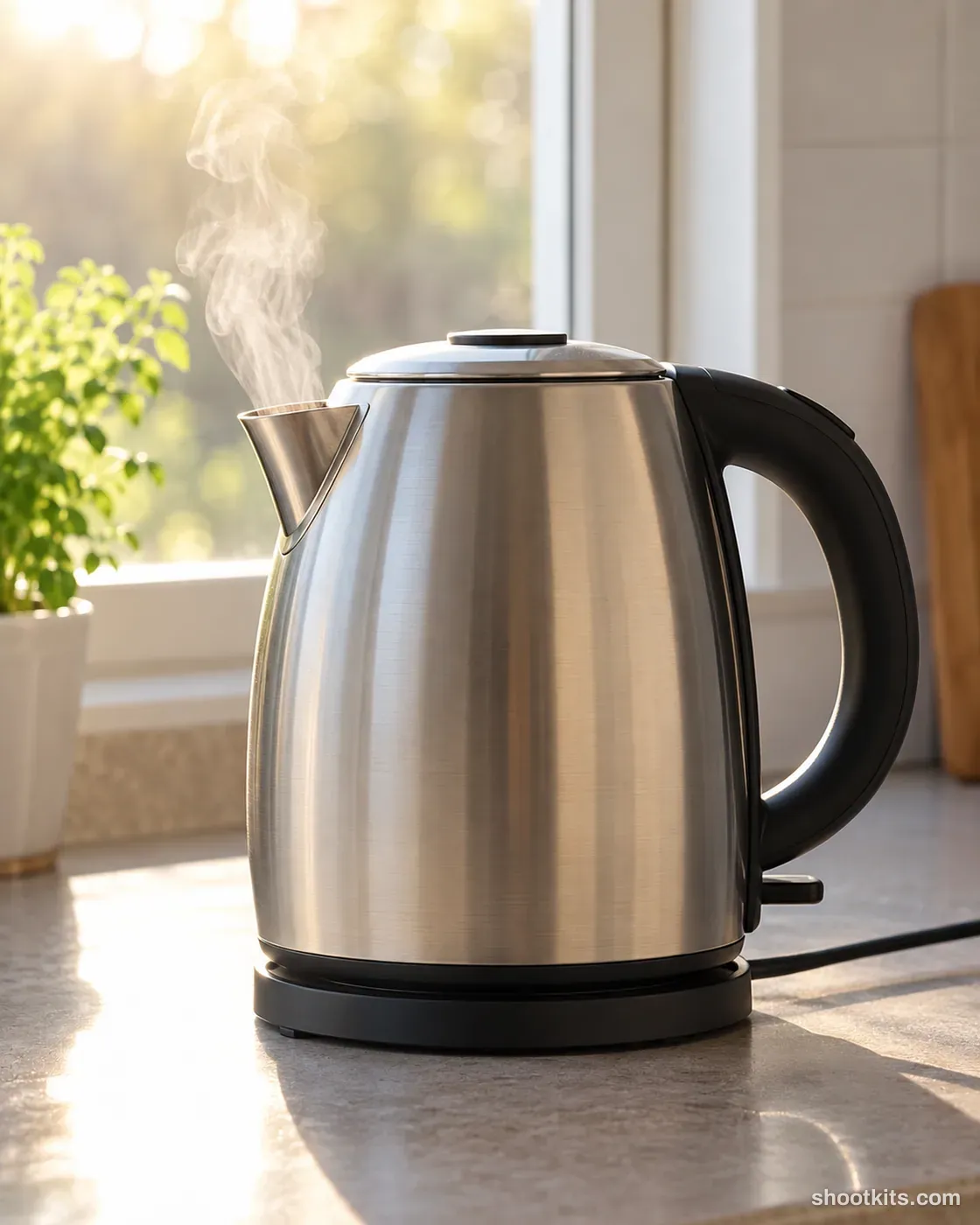
Kettle steam
- Single shot
- Product only
- Portrait 4:5
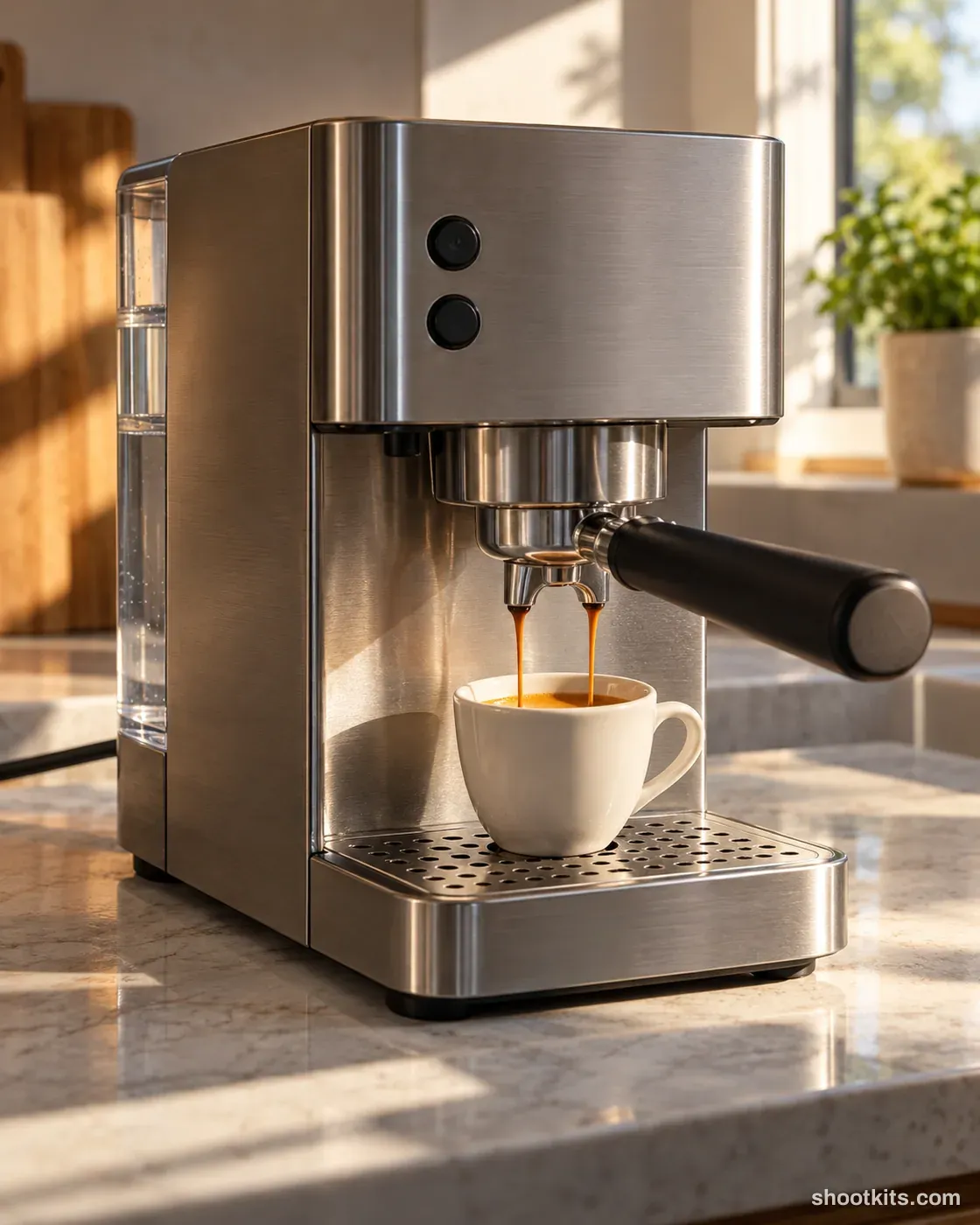
Backlit steam gives a kettle photograph movement while keeping the product as the main subject. Steel kettles, tea preparation equipment and simple kitchen collections suit this quiet window setting. The side view makes the spout and handle easy to recognize, making it a useful companion to a plain catalogue shot. Use a product photo that clearly shows the spout when asking ChatGPT for your version. Keep the lid closed and request a modest amount of steam from the correct opening rather than a cloud that hides the appliance.
Describe your kitchen appliance in a few words. Still attach your product photo in ChatGPT.
Attach your product photo before you paste the prompt. A plain background and even light give the most accurate result.
How to use this prompt
- Photograph your kitchen appliance. Use a plain background and soft, even light. A phone photo is fine if it's sharp.
- Open ChatGPT and attach the photo. Use a model that can create images.
- Paste the prompt and send it. You get one finished photo.
- Fix details in the same chat. If something changed, reply with what to keep, for example: “Keep the label exactly as in my photo.”
More tips in How it works.
Questions about this kit
- What does the Kettle steam prompt create?
- It creates one finished portrait photo (4:5) of your own kitchen appliance, in this scene: minimal kitchen by a window. The 4:5 shape fits Instagram feed posts and most product pages.
- Are there people in the photos?
- No. This is a product-only photo, which suits listings, catalogues and ads where the kitchen appliance should be the only subject.
- Will ChatGPT keep my kitchen appliance exactly as it is?
- The prompt tells ChatGPT to treat your photo as the source of truth and to protect the buttons, dials, display, finish and proportions. If a detail still changes, reply in the same chat: “Keep the buttons exactly as in my photo.”