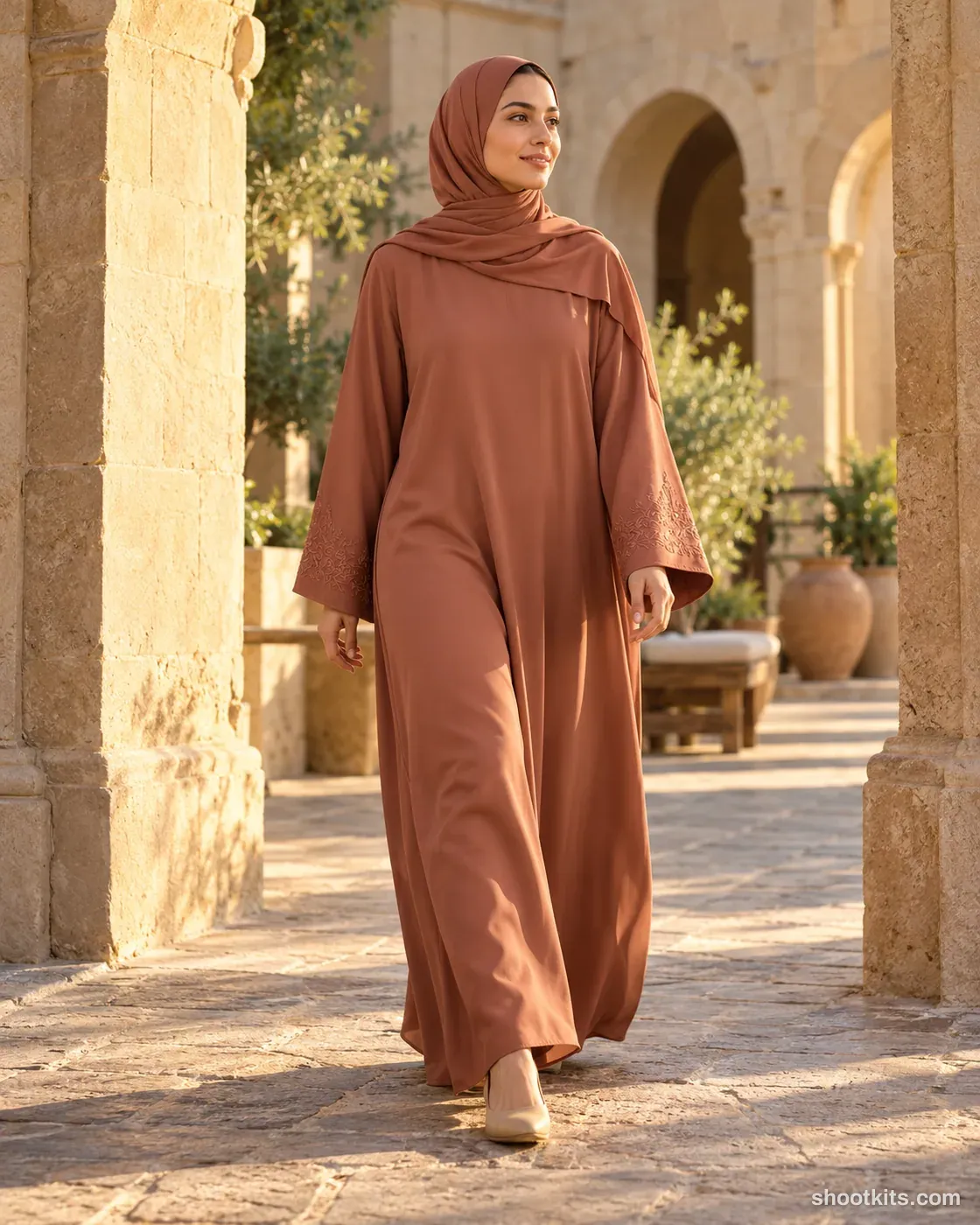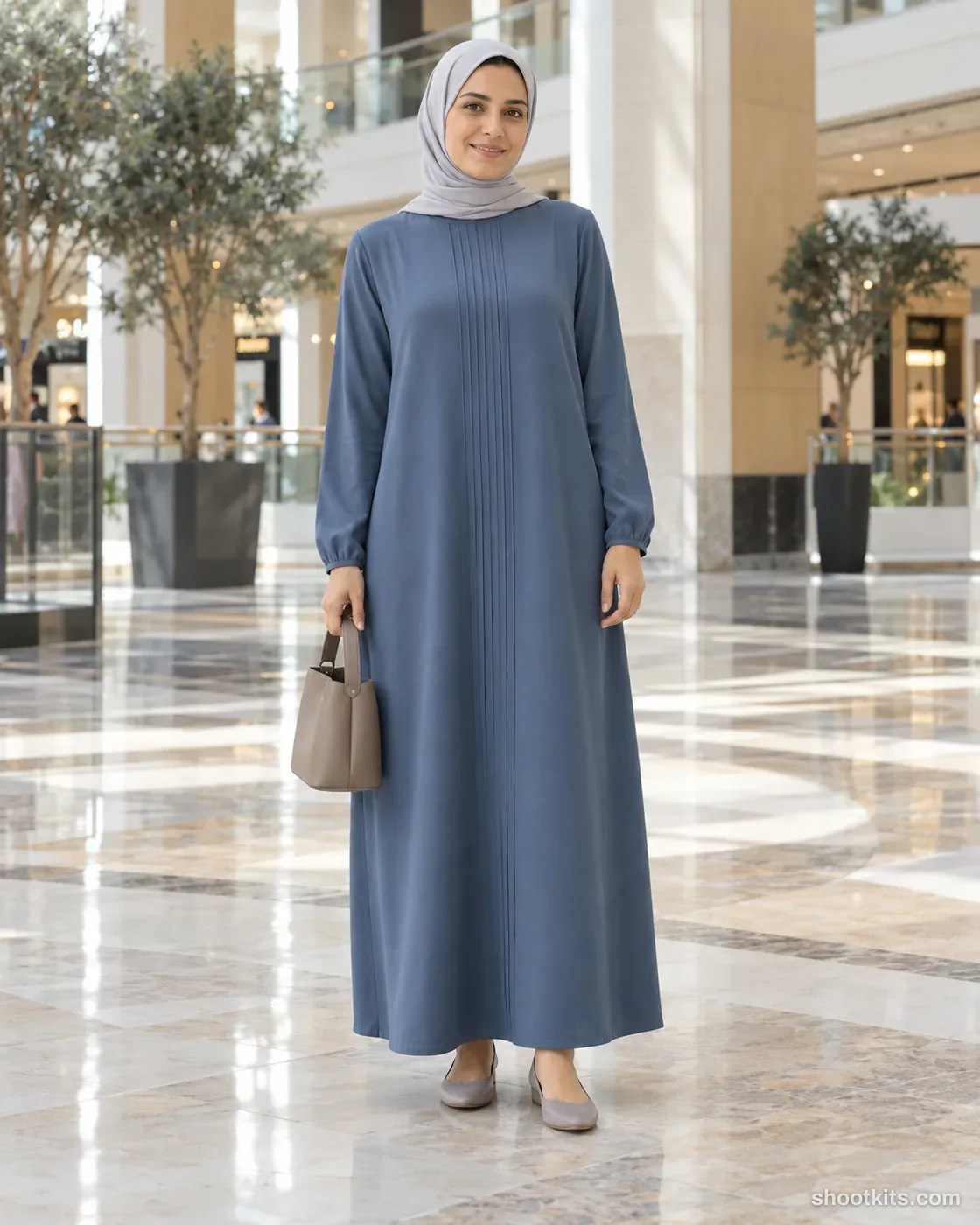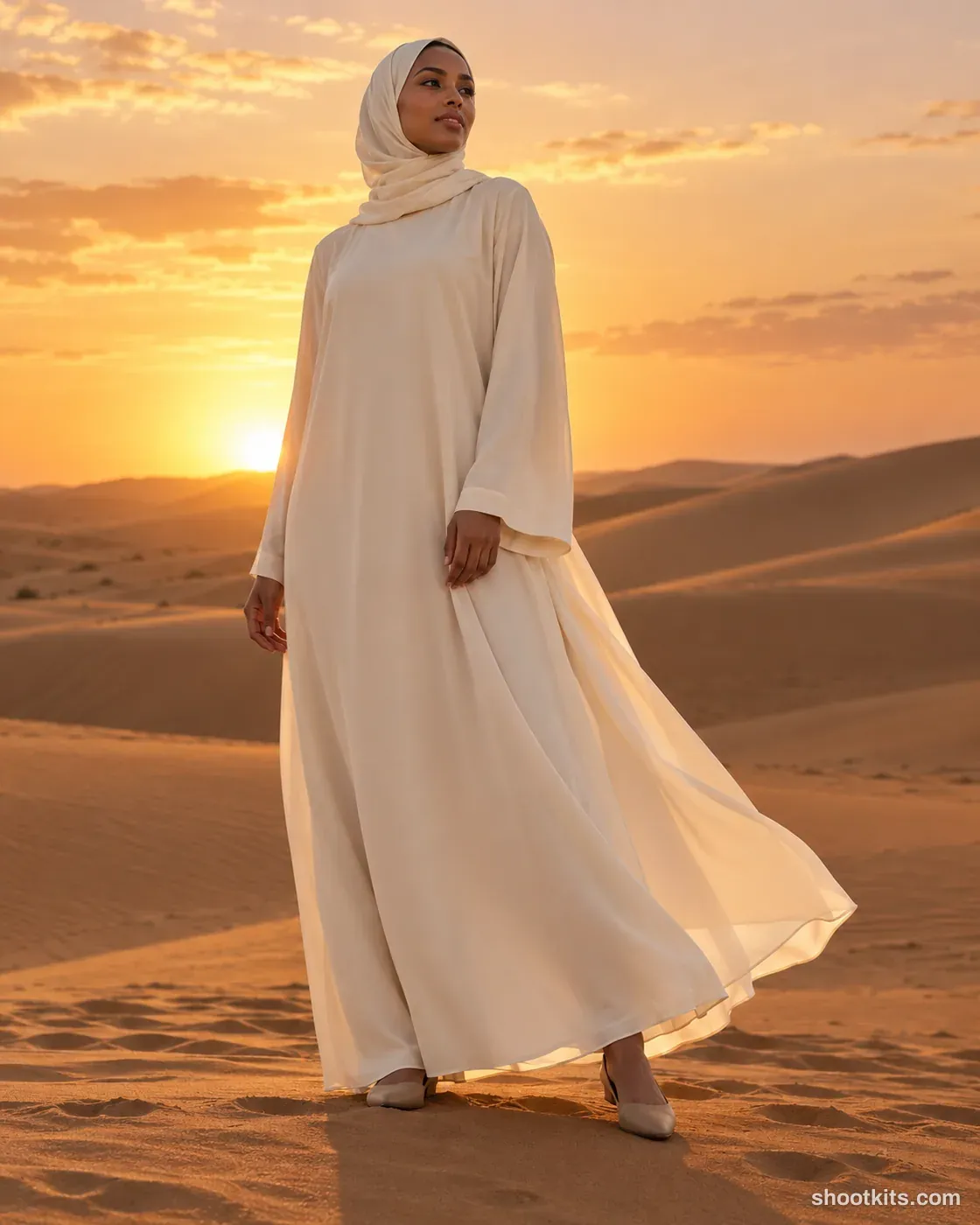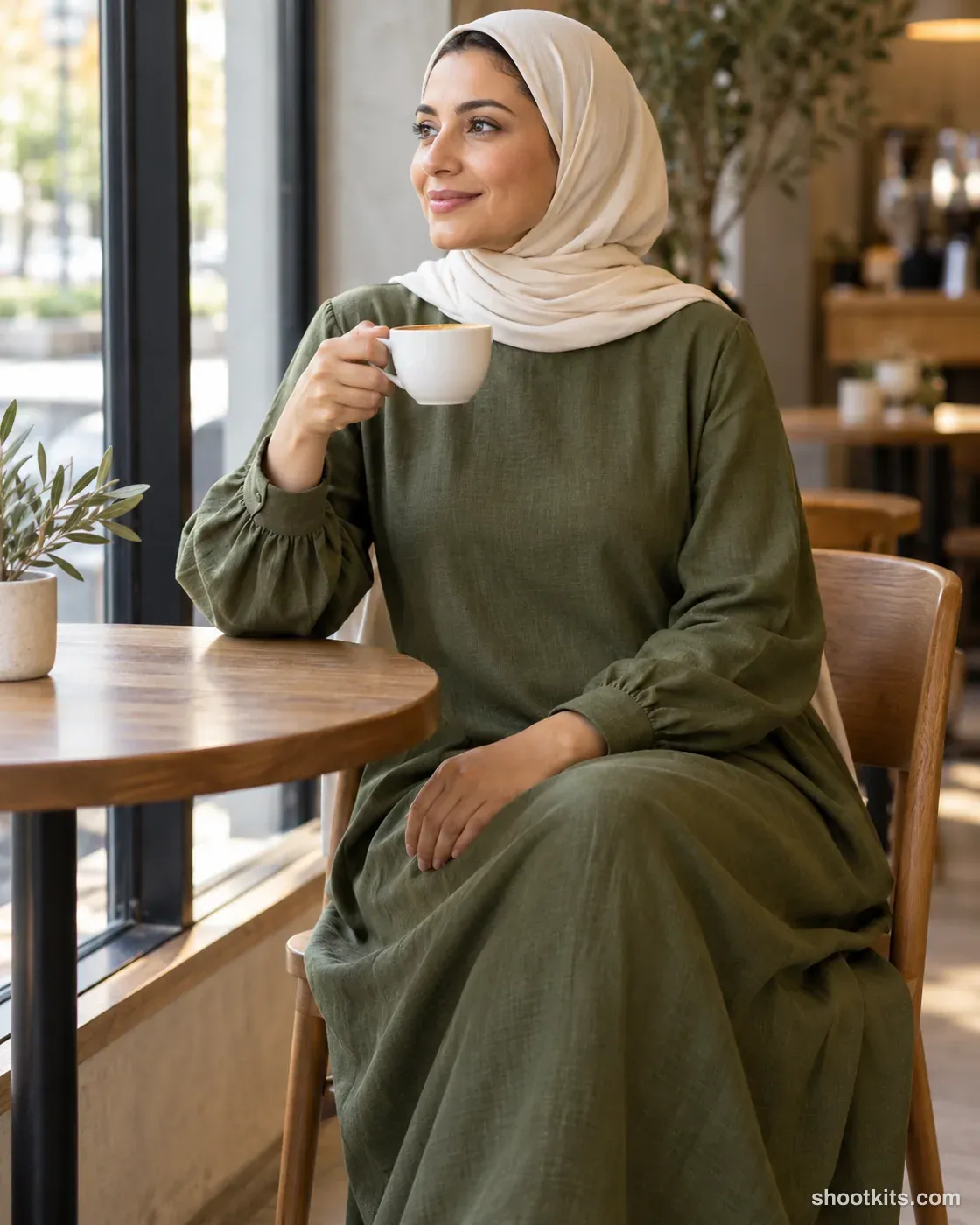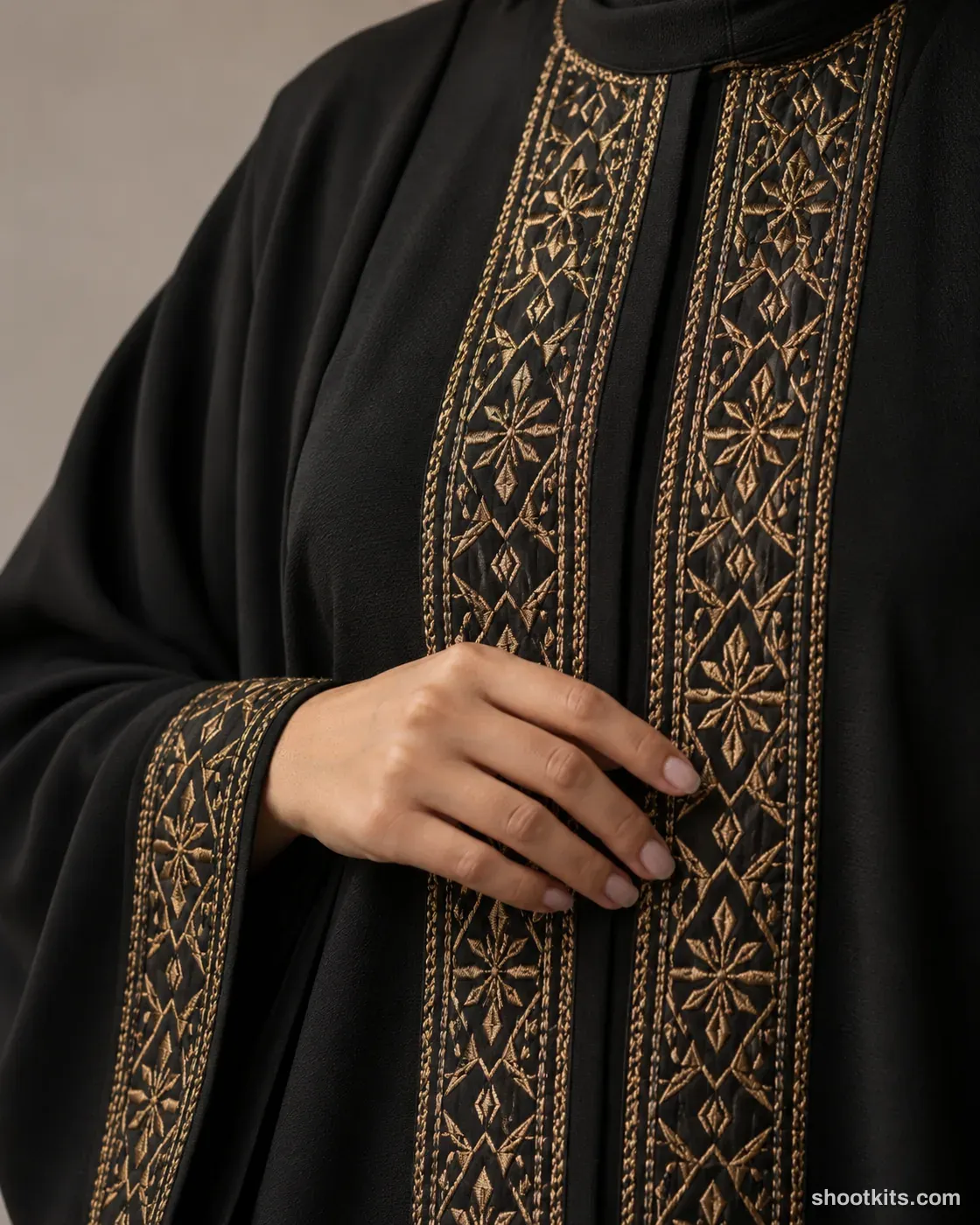
Embroidery close-up
- Single shot
- Model included
- Portrait 4:5
Fine embroidery can be difficult to appreciate in a small full-body photograph. This detail image gives customers a closer look at the thread, stitched edges and fabric surface, making it useful beside a product description or in a craftsmanship-focused post. Embellished abayas, decorated modest dresses and finished cuffs suit the composition. Provide ChatGPT with a sharp close-up of your actual embroidery as well as the garment photo. Tell it to reproduce that pattern accurately and let the hand rest beside the most important stitching.
Describe your modest fashion in a few words. Still attach your product photo in ChatGPT.
Attach your product photo before you paste the prompt. A plain background and even light give the most accurate result.
How to use this prompt
- Photograph your modest fashion. Use a plain background and soft, even light. A phone photo is fine if it's sharp.
- Open ChatGPT and attach the photo. Use a model that can create images.
- Paste the prompt and send it. You get one finished photo.
- Fix details in the same chat. If something changed, reply with what to keep, for example: “Keep the label exactly as in my photo.”
More tips in How it works.
Questions about this kit
- What does the Embroidery close-up prompt create?
- It creates one finished portrait photo (4:5) of your own modest fashion, in this scene: neutral studio. The 4:5 shape fits Instagram feed posts and most product pages.
- Do I need to provide a model?
- No. ChatGPT casts an adult model itself. You only upload a photo of your modest fashion.
- Will ChatGPT keep my modest fashion exactly as it is?
- The prompt tells ChatGPT to treat your photo as the source of truth and to protect the length, sleeves, drape, embroidery and coverage. If a detail still changes, reply in the same chat: “Keep the length exactly as in my photo.”