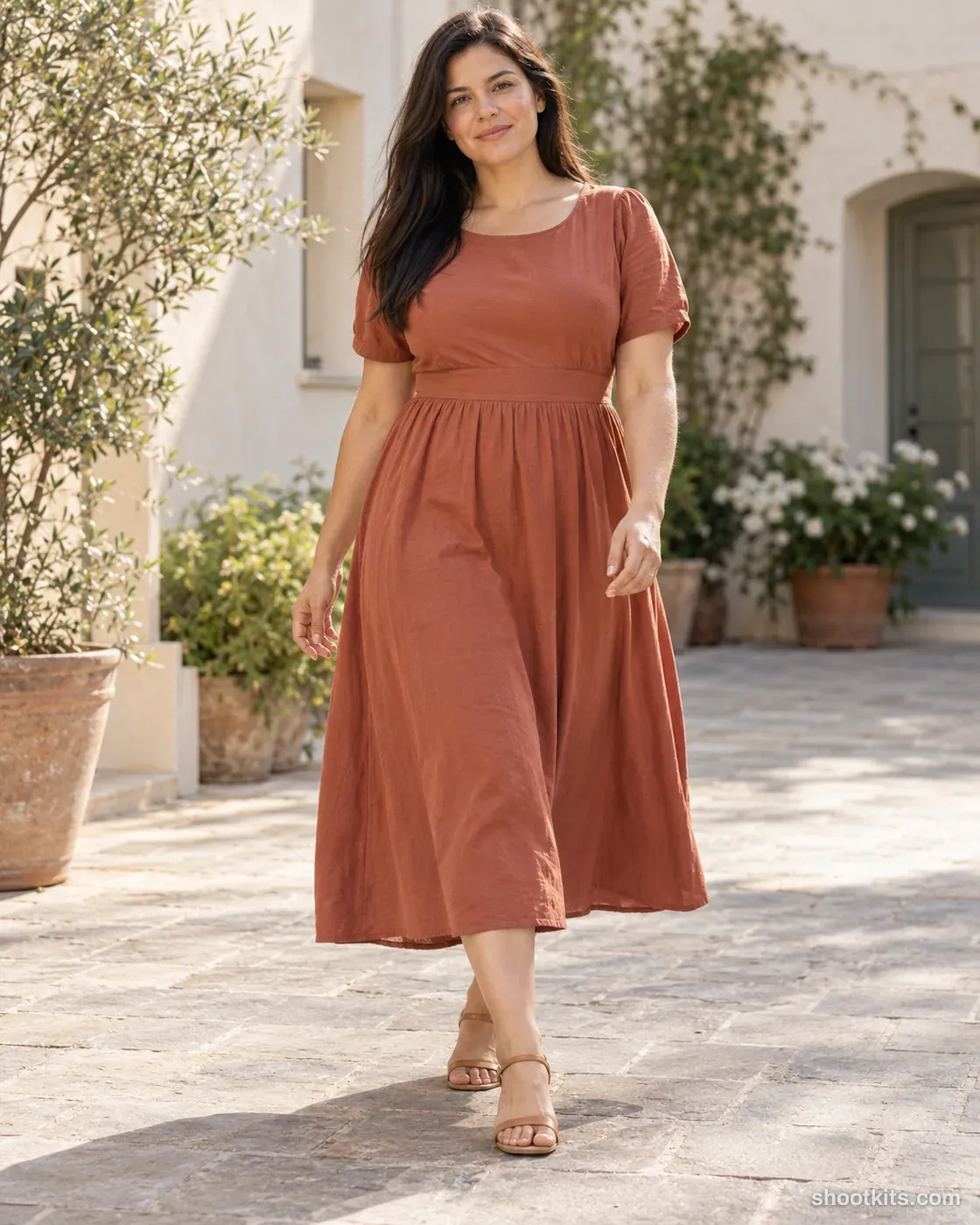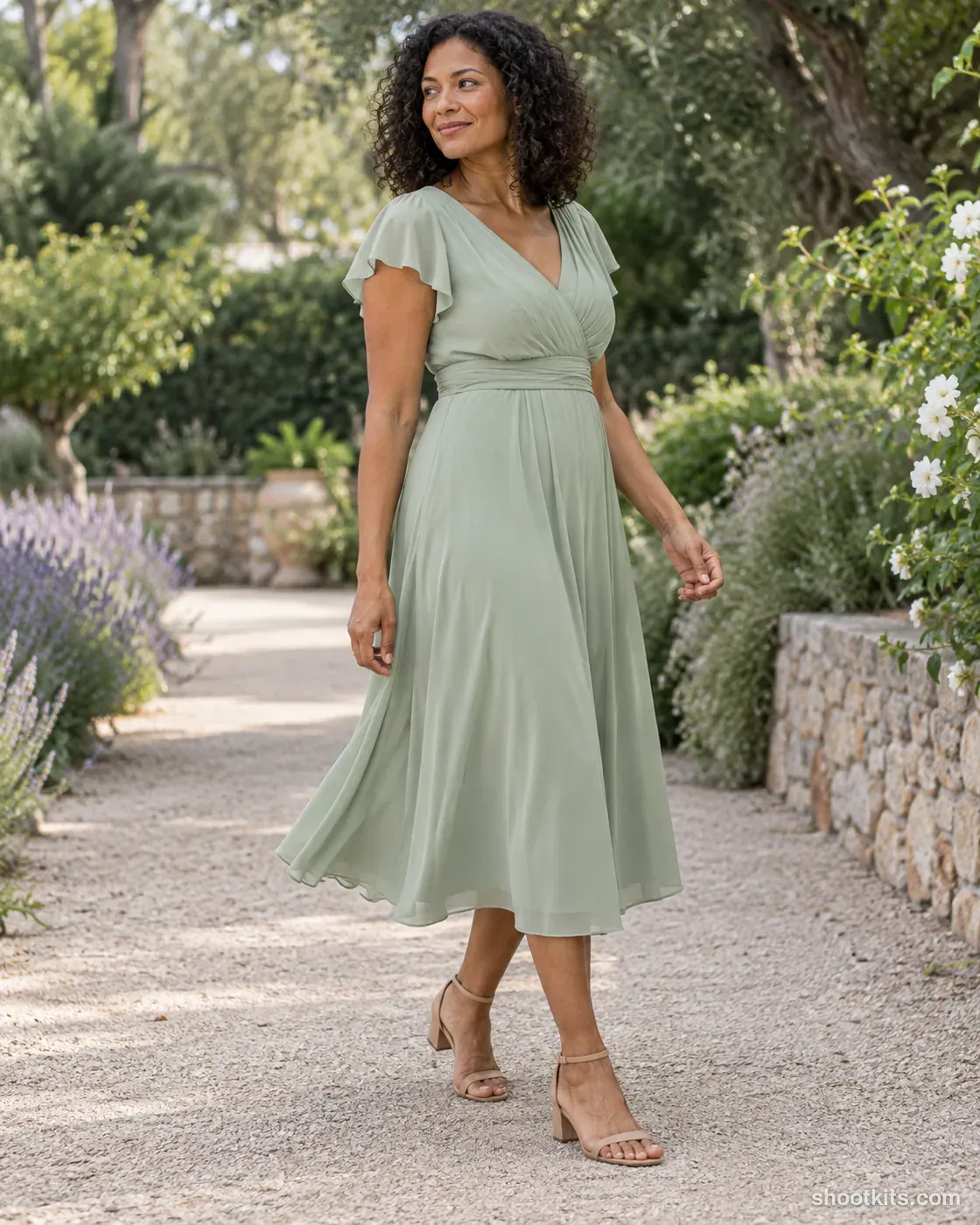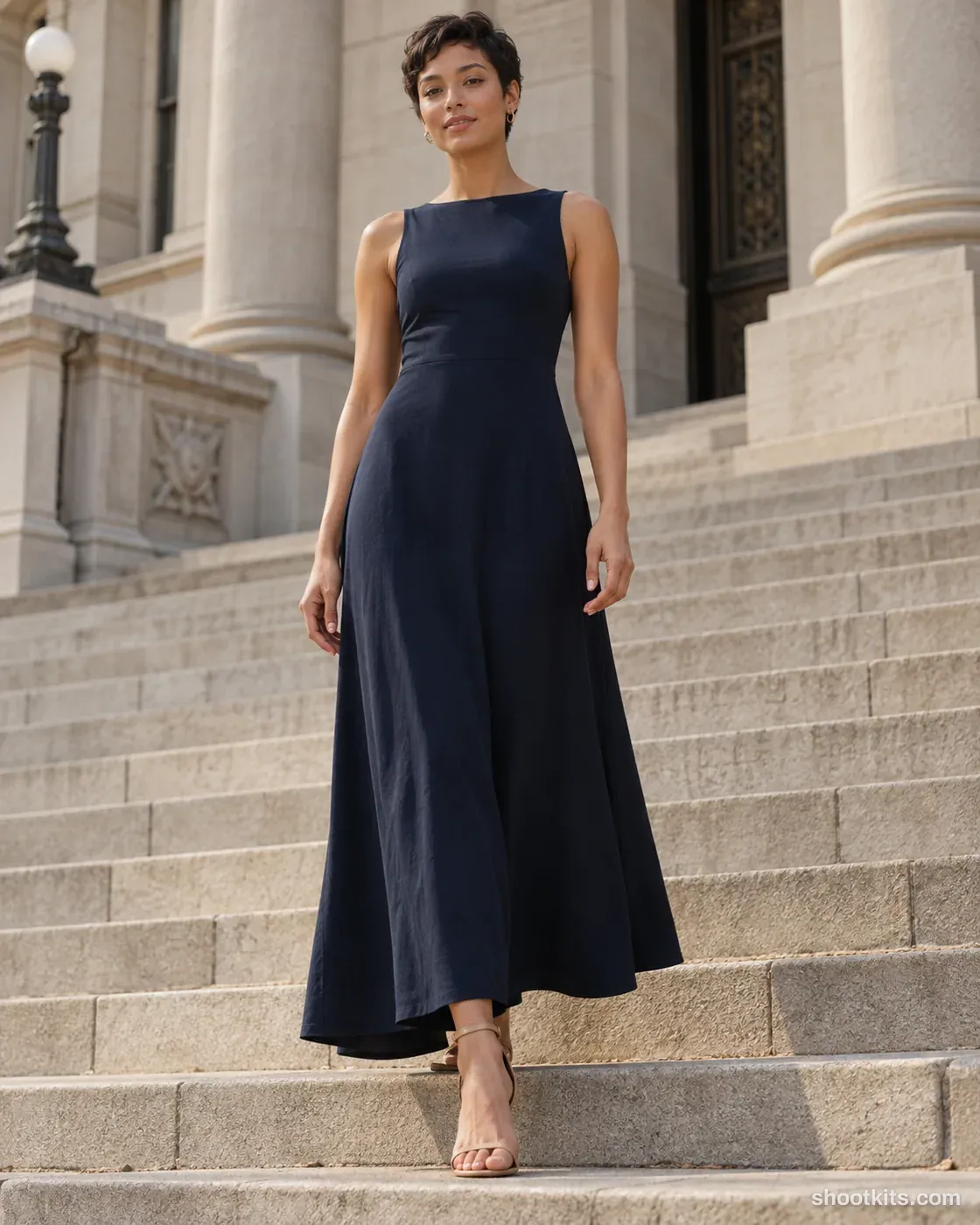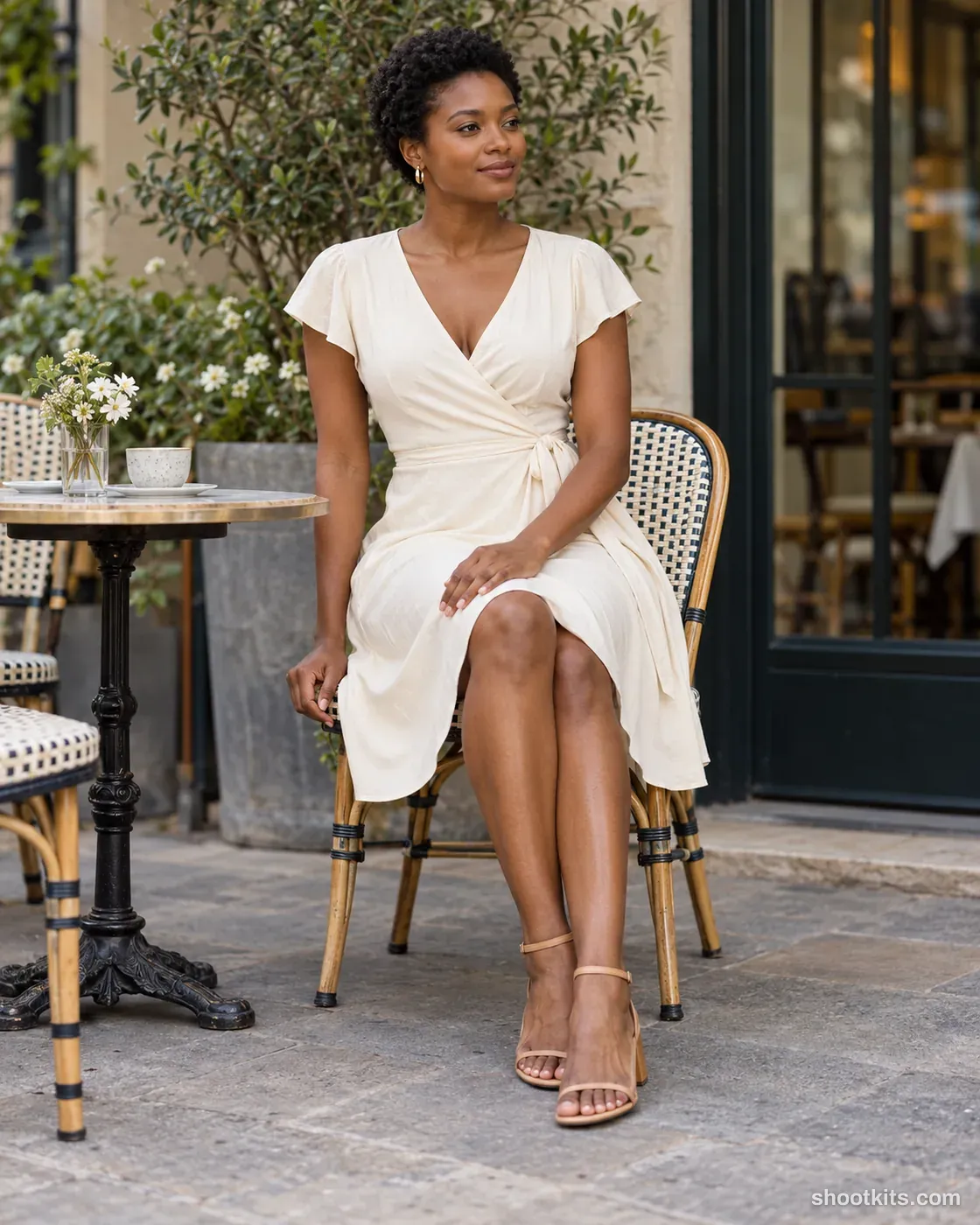
Dresses
Fabric detail
- Single shot
- Model included
- Portrait 4:5
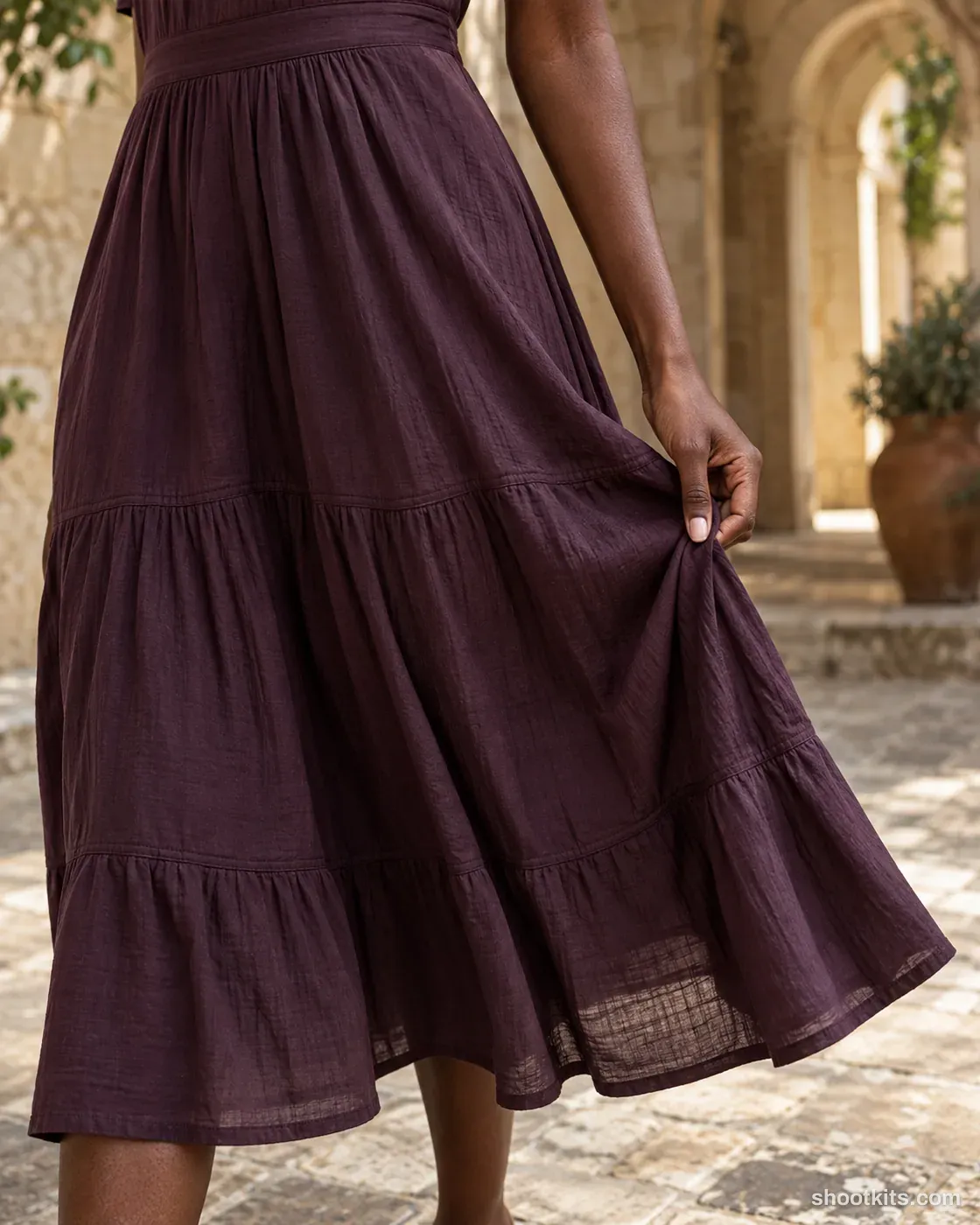
A fabric-led dress image helps a small label communicate texture and drape with more detail than a full-length campaign shot. Pleats, woven surfaces and genuine folds can suit the shaded heritage courtyard. Upload a close, well-lit product photo in ChatGPT and specify the exact area to feature. Inspect the material grain and seam finish, avoiding decorative texture that looks attractive but does not belong to the actual dress.
Describe your dress in a few words. Still attach your product photo in ChatGPT.
Create one photorealistic professional fashion or product campaign photograph. Use supplied product reference image(s), if available. Choose an adult model appropriate to the brief; if a model identity reference is supplied, match that person. Models may vary between entries. Use the supplied product as the source of truth for its design, color, cut, fit, material, texture, pattern, construction, hardware and any existing visible branding. Replace the reference model's outfit or accessories with the supplied product as needed; the identity reference does not determine the outfit. Sector: Dresses. Hero product: the product shown in the attached product reference(s). Setting: Shaded heritage courtyard. Pose or activity: Gently hold a permitted outer fabric edge without changing construction. Camera: Eye-level oblique. Framing: Close-up of fabric and hand. Lighting: Soft raking daylight. Product priority: Show texture, stitching and realistic folds. Preserve actual neckline, hem length, seams and closures; do not invent a slit, train or extra volume. Brand/art direction: Refined, realistic fashion photography. Supporting styling: Minimal supporting styling that complements the supplied product. Composition/aspect ratio: Portrait 4:5. Keep the hero product clearly readable, naturally fitted or held, with realistic scale, folds, contact shadows and anatomy. Use discreet supporting styling only when needed; never obscure or replace the hero product. Render the stated location and lighting coherently. Preserve natural skin and material texture. No invented branding, extra products, duplicated limbs, captions, watermarks or excessive retouching. When a full-body view is requested, include the entire head and feet with breathing room. Keep the chosen model anatomically natural. Vary the model, product, pose, setting, camera and lighting as specified in the brief.
Attach your product photo before you paste the prompt. A plain background and even light give the most accurate result.
How to use this prompt
- Photograph your dress. Use a plain background and soft, even light. A phone photo is fine if it's sharp.
- Open ChatGPT and attach the photo. Use a model that can create images.
- Paste the prompt and send it. You get one finished photo.
- Fix details in the same chat. If something changed, reply with what to keep, for example: “Keep the label exactly as in my photo.”
More tips in How it works.
Questions about this kit
- What does the Fabric detail prompt create?
- It creates one finished portrait photo (4:5) of your own dress, in this scene: shaded heritage courtyard. The 4:5 shape fits Instagram feed posts and most product pages.
- Do I need to provide a model?
- No. ChatGPT casts an adult model itself. You only upload a photo of your dress.
- Will ChatGPT keep my dress exactly as it is?
- The prompt tells ChatGPT to treat your photo as the source of truth and to protect the cut, length, pattern and fabric behaviour. If a detail still changes, reply in the same chat: “Keep the cut exactly as in my photo.”